

THE WHOLE-HOME BUNDLE


Biggest Deal of the Year: 15% OFF · Code PRIMEDAY15 · Ends in:
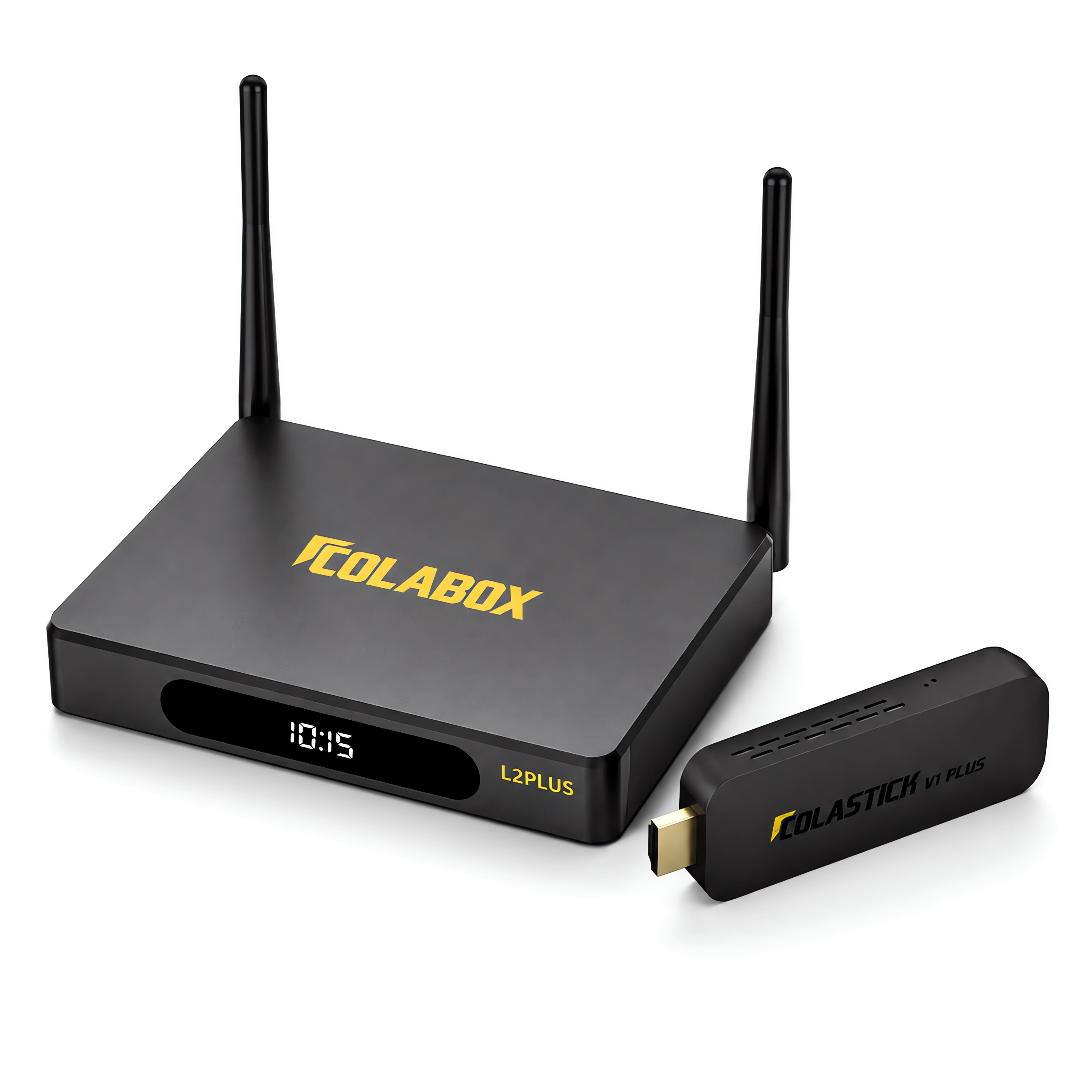
ColaBox L2 Plus + ColaStick V1 Plus Combo
Two Devices. Two TVs. One Purchase.
- Regular price
-
$528.00 - Regular price
-
$588.00 - Sale price
-
$528.00
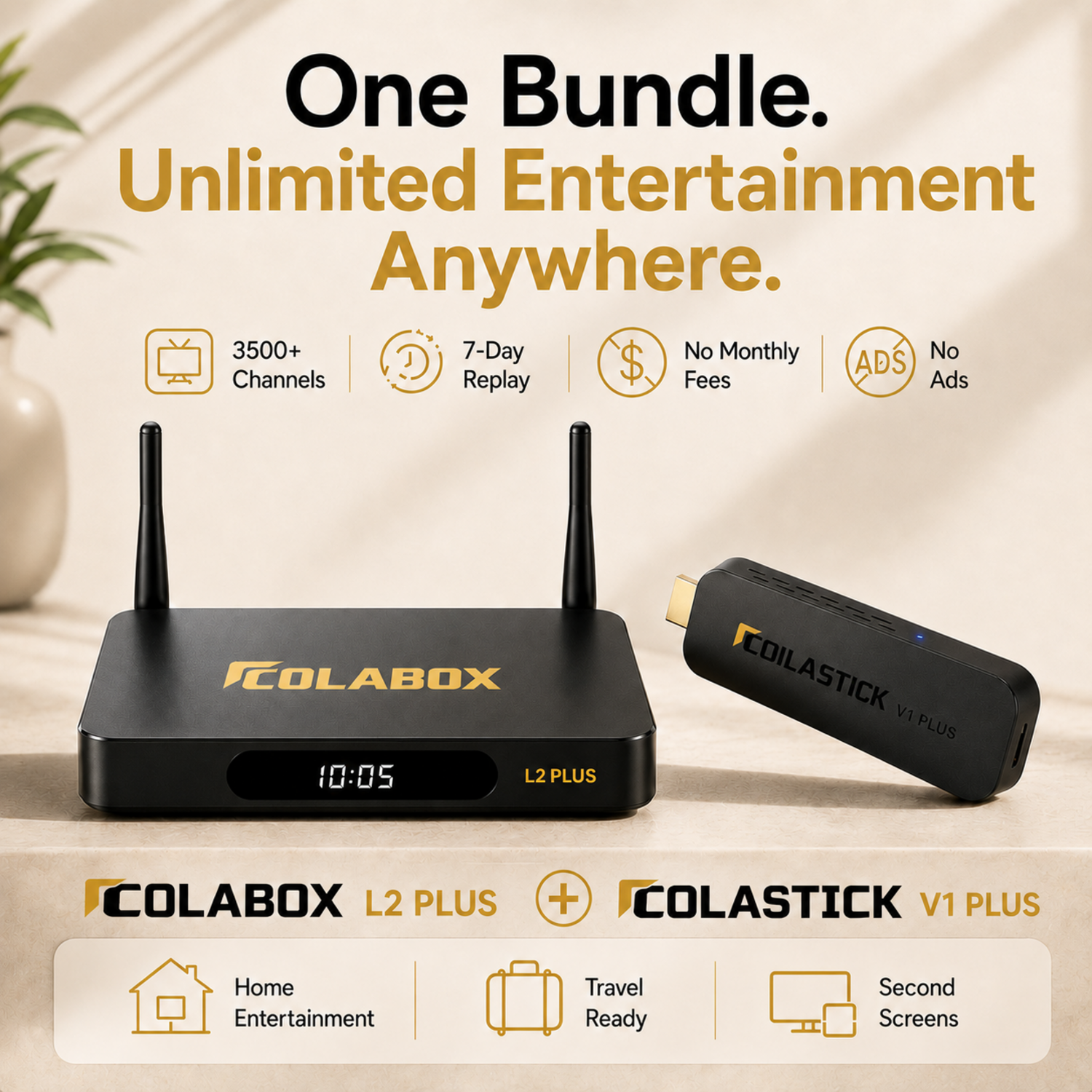
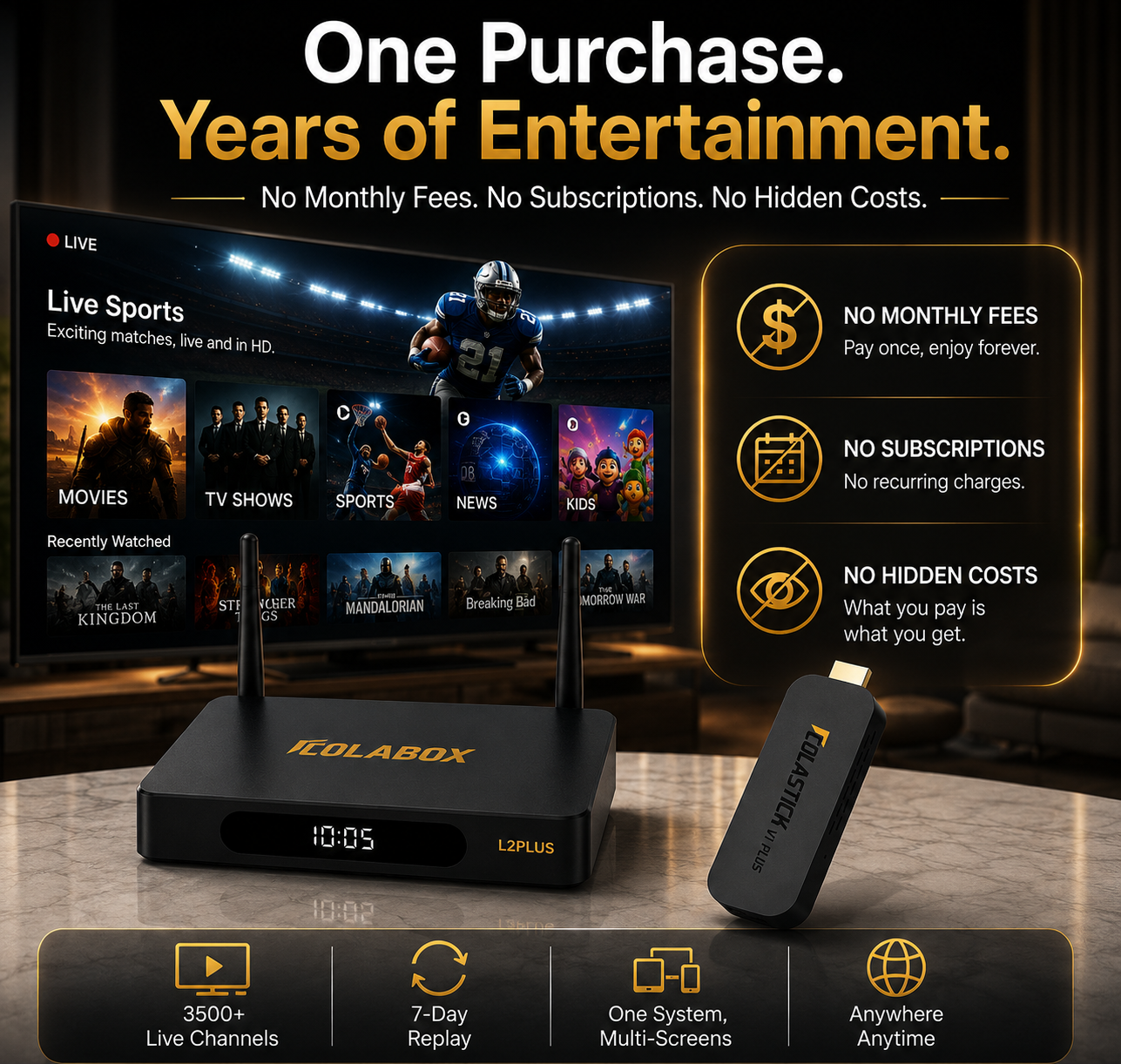
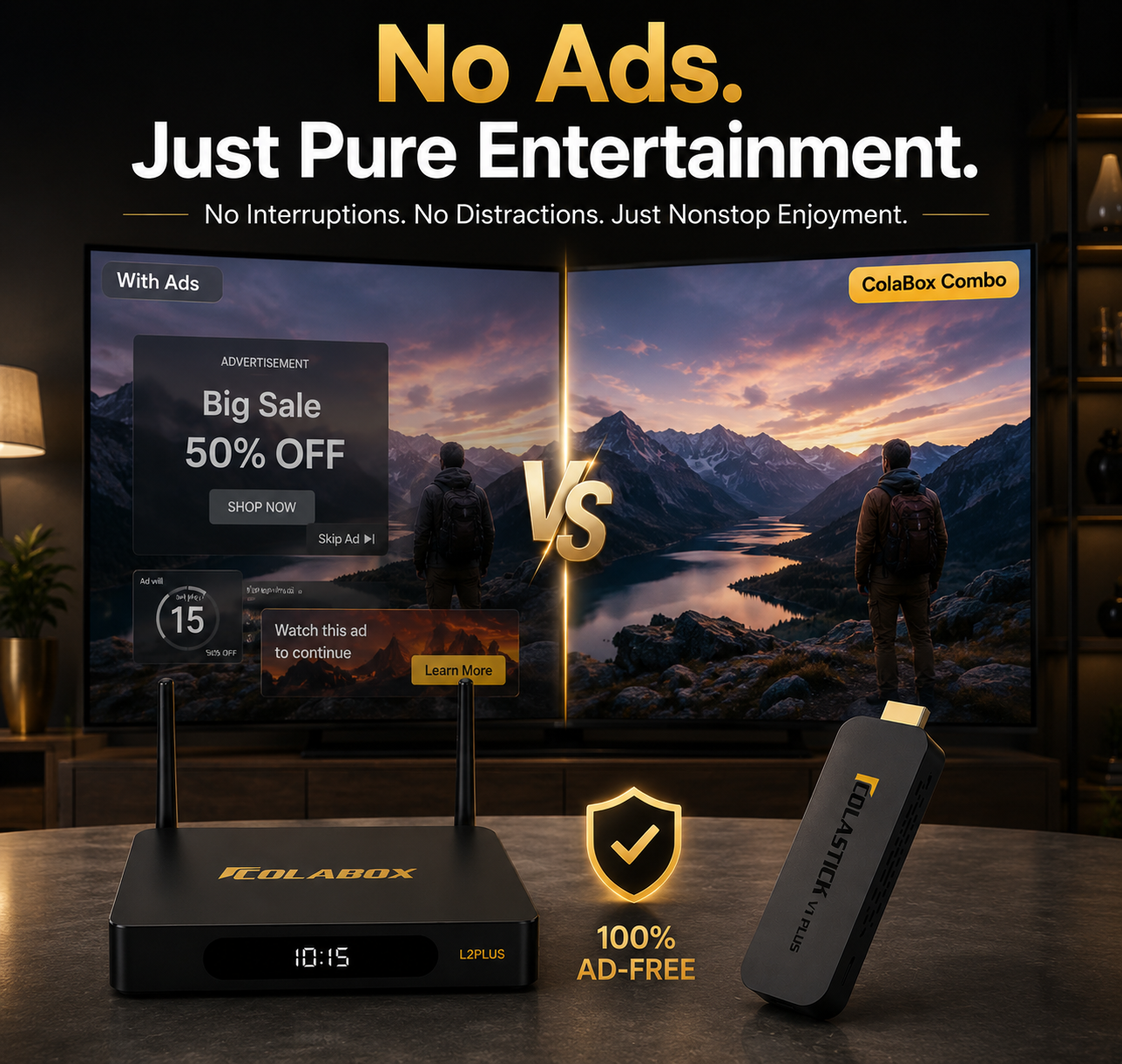
One-time purchase · No recurring fee · No hidden fees · No Advertisements
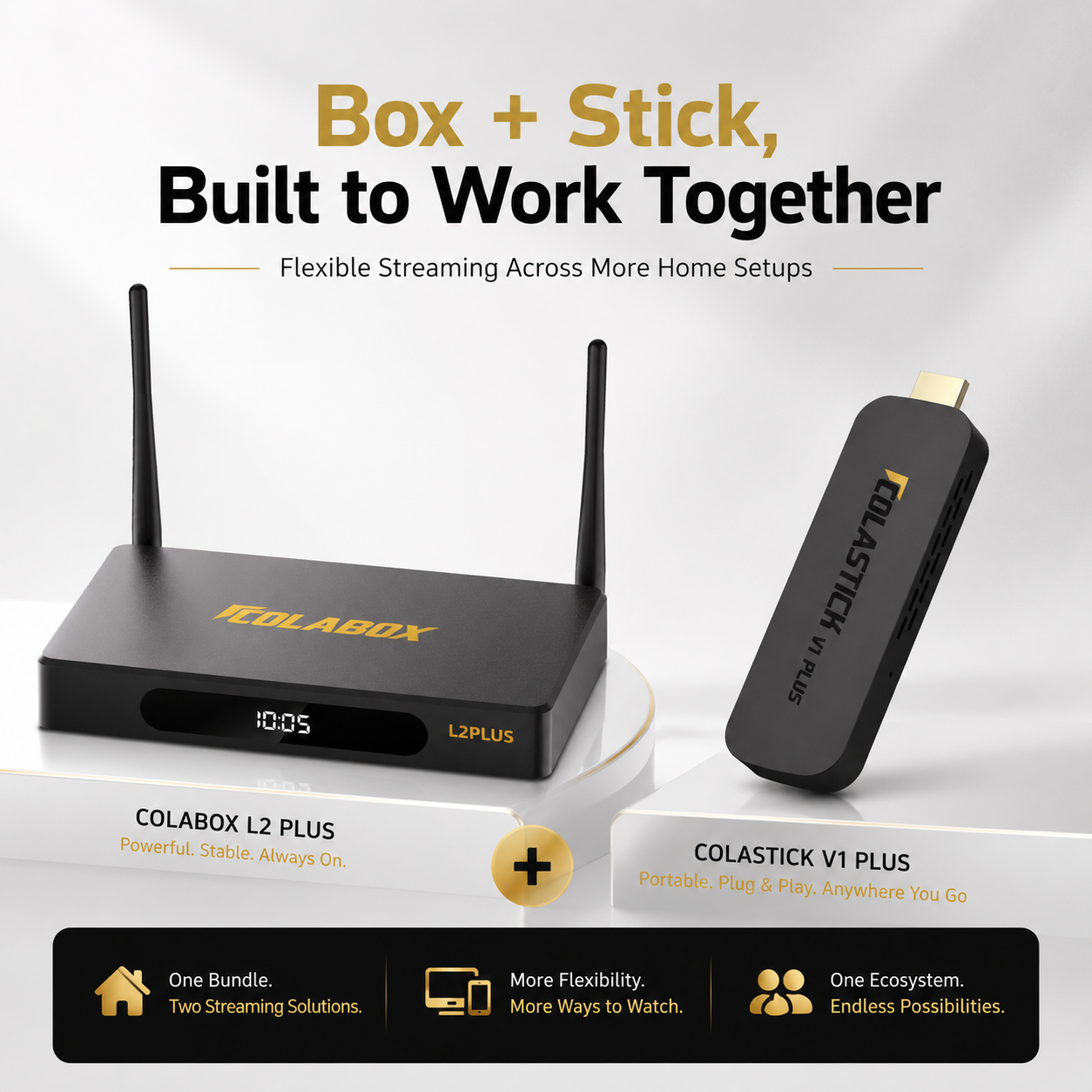
Two devices in one box — ColaBox L2 Plus for the living room, ColaStick V1 Plus for the second TV
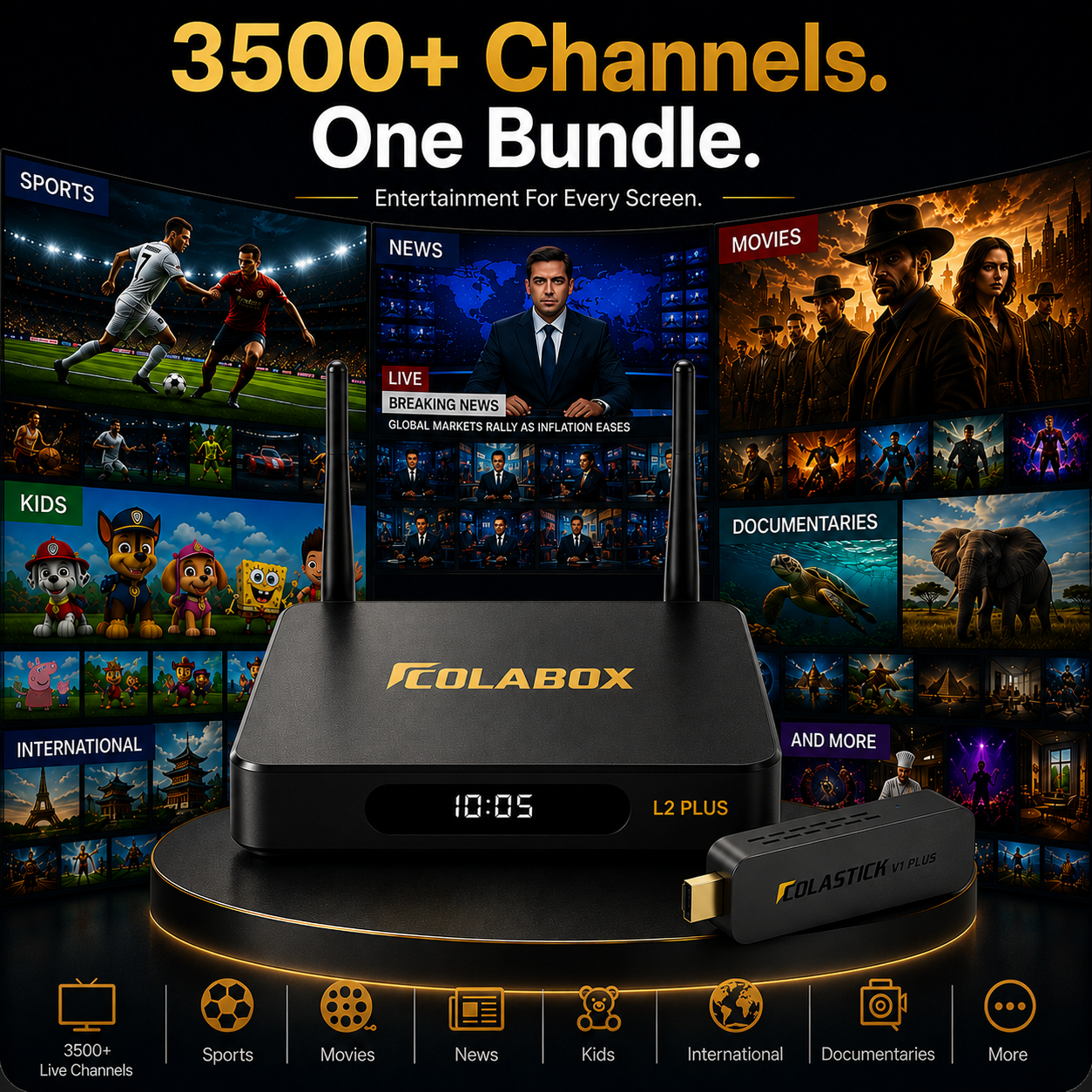
Live sports, movies, news & 3,500+ supported channels to explore — pre-loaded on both
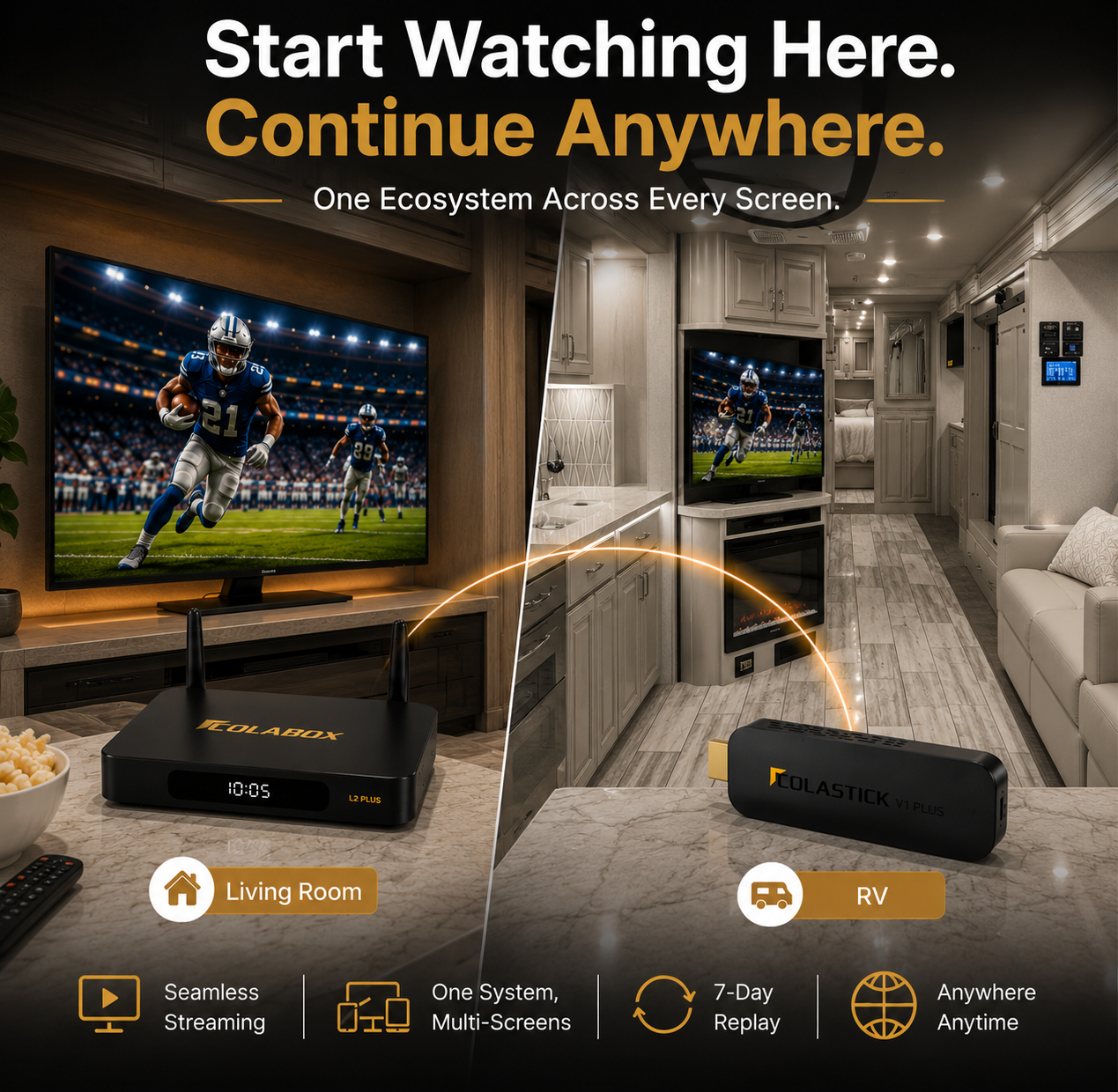
Watch on two TVs at the same time — no cable box, no extra hardware
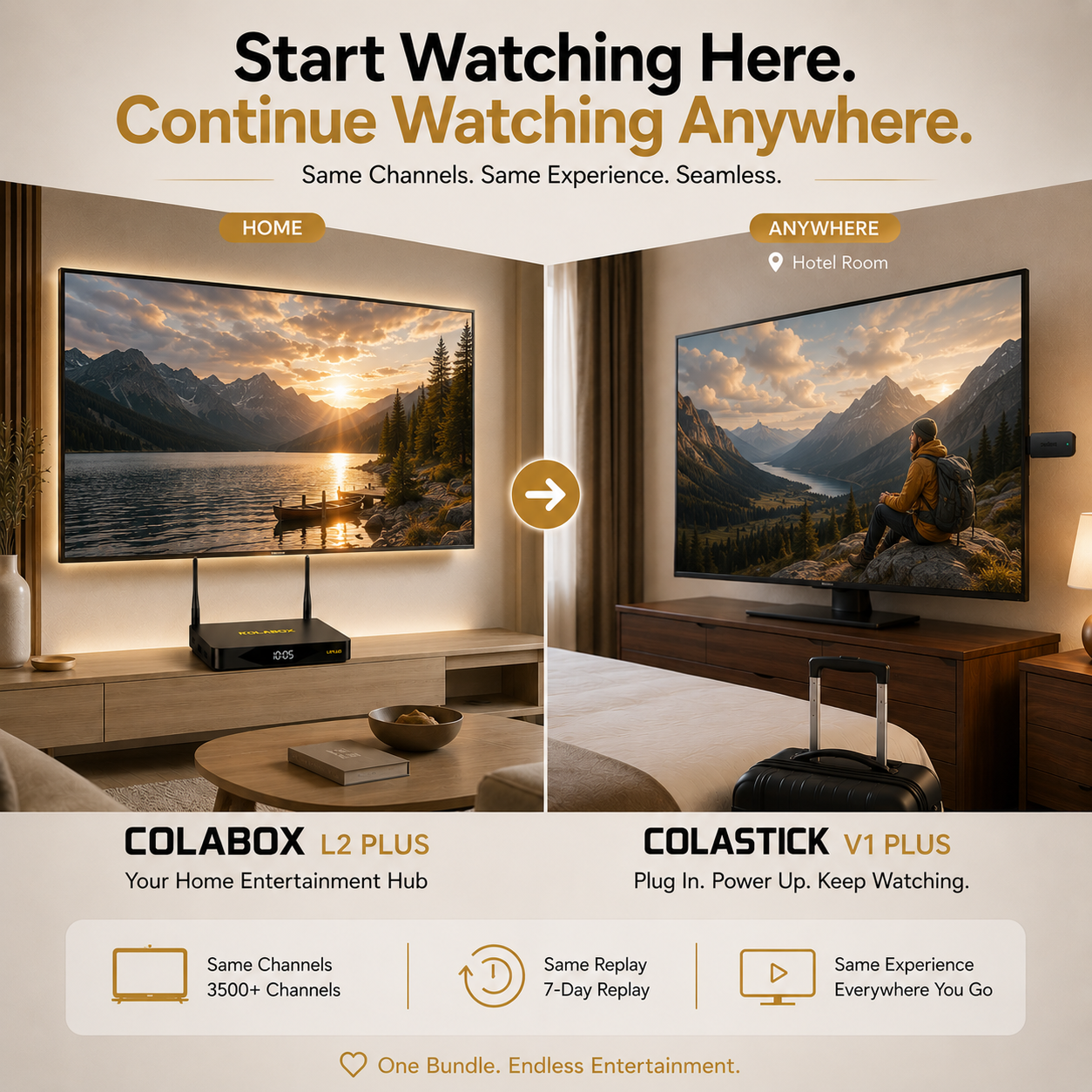
Take the stick with you — hotels, RVs, vacation rentals
1-Year Warranty on both devices + 60-Day Money-Back Guarantee
Couldn't load pickup availability

ColaBox L2 Plus — Specifications
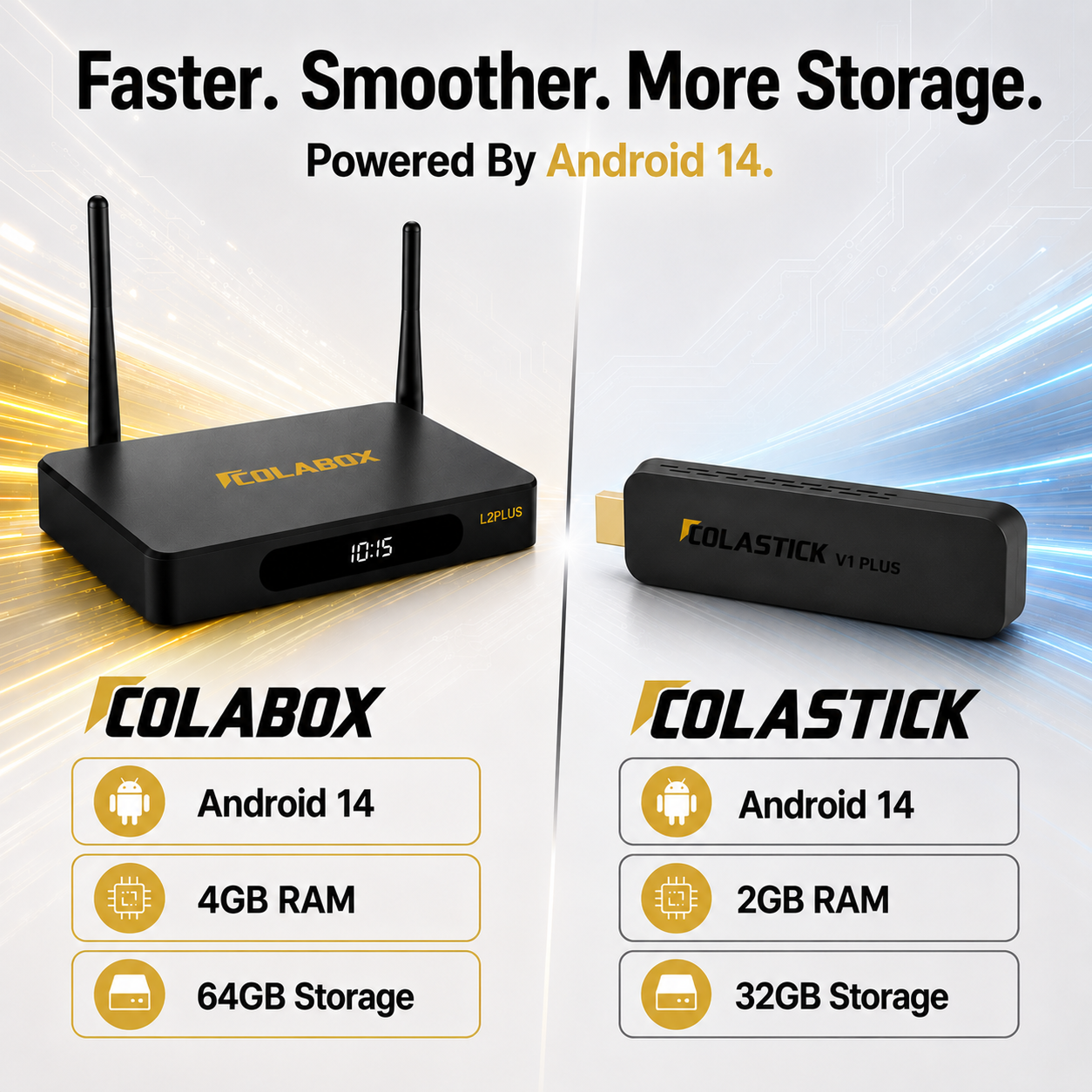
OS: Android 14.0
CPU: 4-core processor (ARM Cortex-A55, 64-bit)
RAM: 4GB
Storage: 64GB
Video: 4K Ultra HD @60fps · HDR10+ · H.265 hardware decoding
Wi-Fi: Dual-band Wi-Fi 5 (802.11ac) + 2× external antennas
Bluetooth: 5.0 (BLE voice remote)
Ports: HDMI 2.0 · USB 2.0 ×2 · Optical Audio · AV Out · TF Card · Ethernet
Audio: Dolby Digital / DD+ pass-through · Optical SPDIF
Power: DC 12V/1A
Dimensions: 7 × 4.5 × 1.2 in (178 × 114 × 30 mm)
ColaStick V1 Plus — Specifications
OS: Android 14.0
CPU: 4-core processor (ARM Cortex-A55, 64-bit)
RAM: 2GB
Storage: 32GB
Video: 4K Ultra HD @60fps · HDR10+ · H.265 hardware decoding
Wi-Fi: Dual-band Wi-Fi (2.4GHz / 5GHz)
Bluetooth: 5.0 (BLE voice remote)
Ports: HDMI 2.0 (output) · USB-C (power input)
Remote: Voice remote (batteries not included)
Power: 5V/2A via USB-C adapter
How to Set Up
ColaBox L2 Plus
Connect HDMI to your TV, plug in the included power adapter — done. Choose Wi-Fi or Ethernet for fast streaming.
ColaStick V1 Plus — Three Ways to Install
Pick the install method that works for that TV. All accessories are in the box.
METHOD 1 — Direct Plug-In
Plug ColaStick directly into your TV's HDMI port, powered by the included USB-C adapter plugged into a wall outlet.
⚠ Heads up: If your remote stops responding, your TV's metal back panel may be blocking the Bluetooth signal. Switch to Method 2.
METHOD 2 — HDMI Extension Interface Cable ✓ Recommended
Use the included HDMI extension interface cable to extend ColaStick away from the TV's back panel. Better remote signal. Better airflow.
✓ Recommended for most TVs.
METHOD 3 — Extension Cable + HDMI Coupler
For TVs with tight HDMI port spacing or angled ports. Use the HDMI coupler with the extension cable for maximum flexibility.
All three methods use accessories included in the box. Nothing extra to buy.
What's in the Box
ColaBox L2 Plus
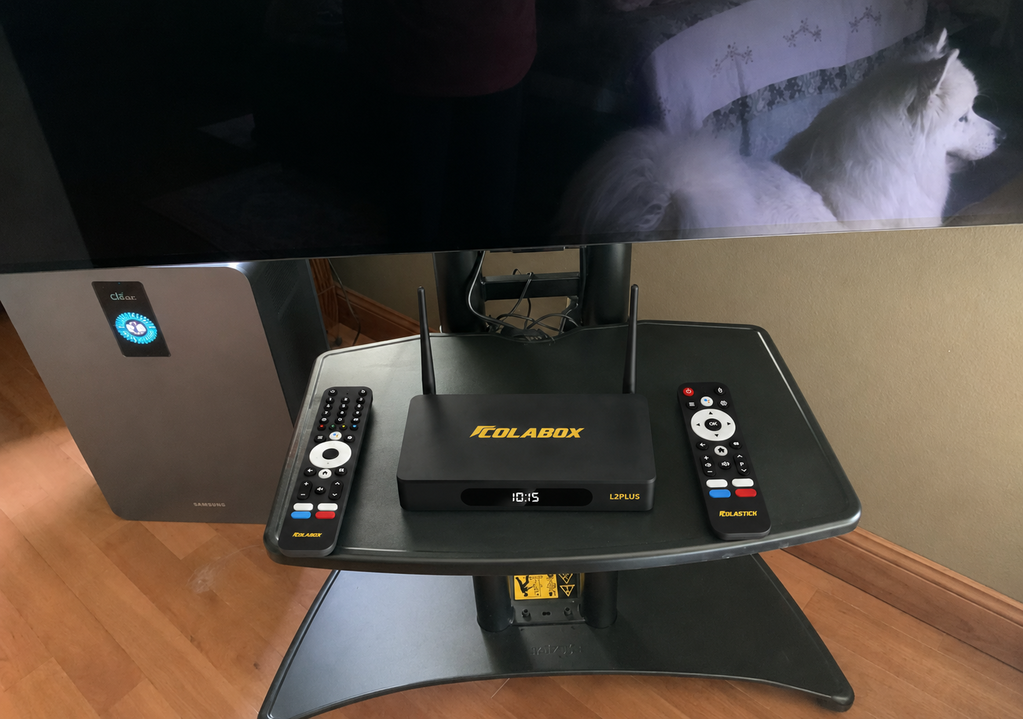
1× ColaBox L2 Plus Media Player
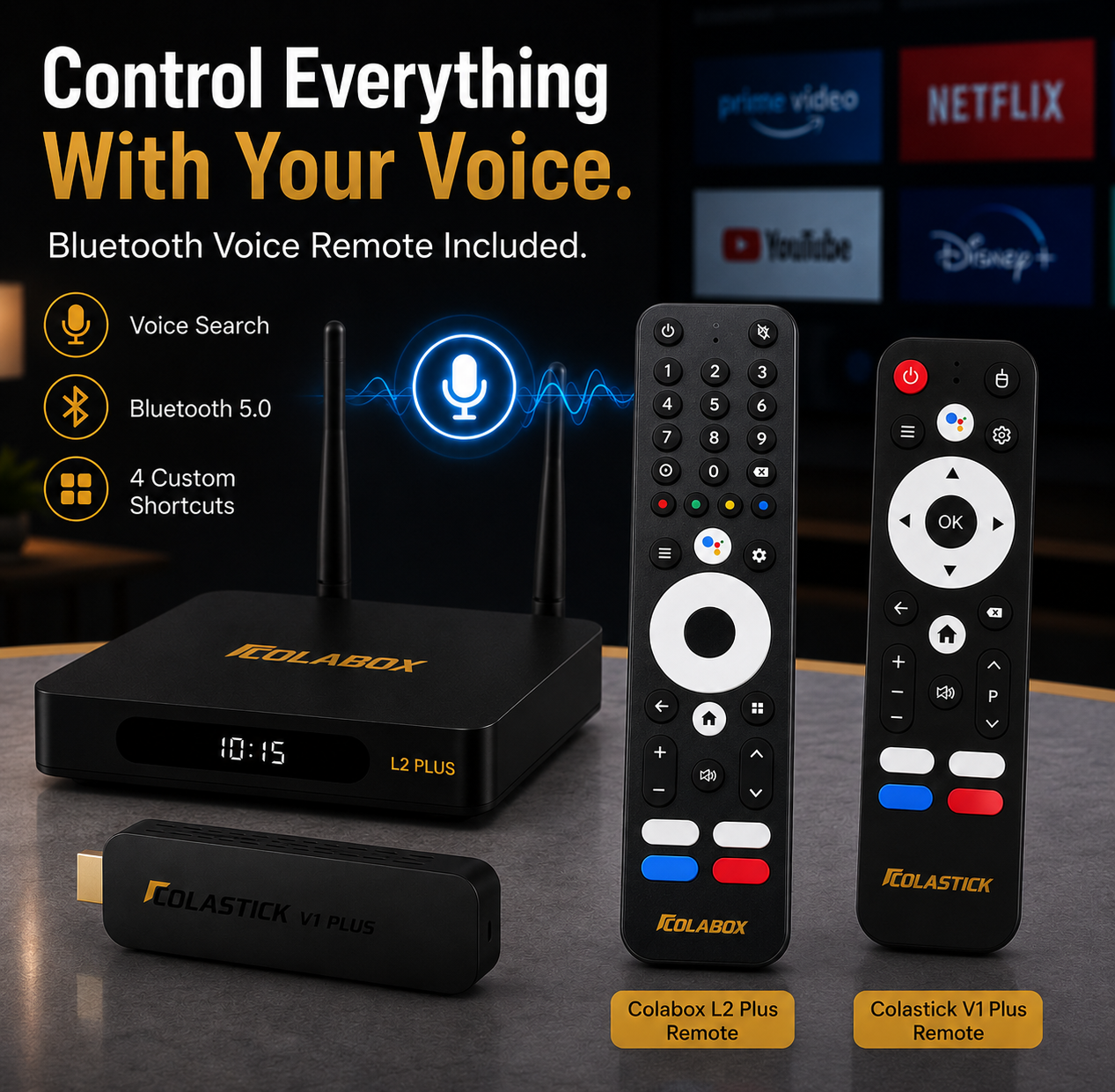
1× Smart Programmable Voice Remote
1× HDMI Cable
1× Power Adapter (DC 12V/1A)
1× User Manual
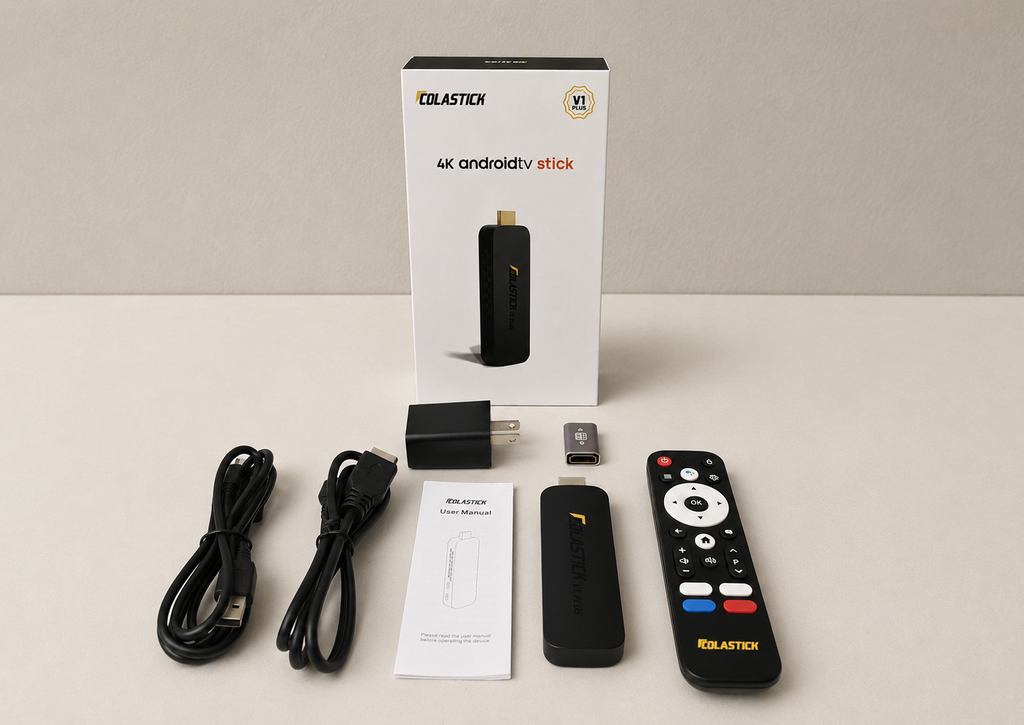
ColaStick V1 Plus
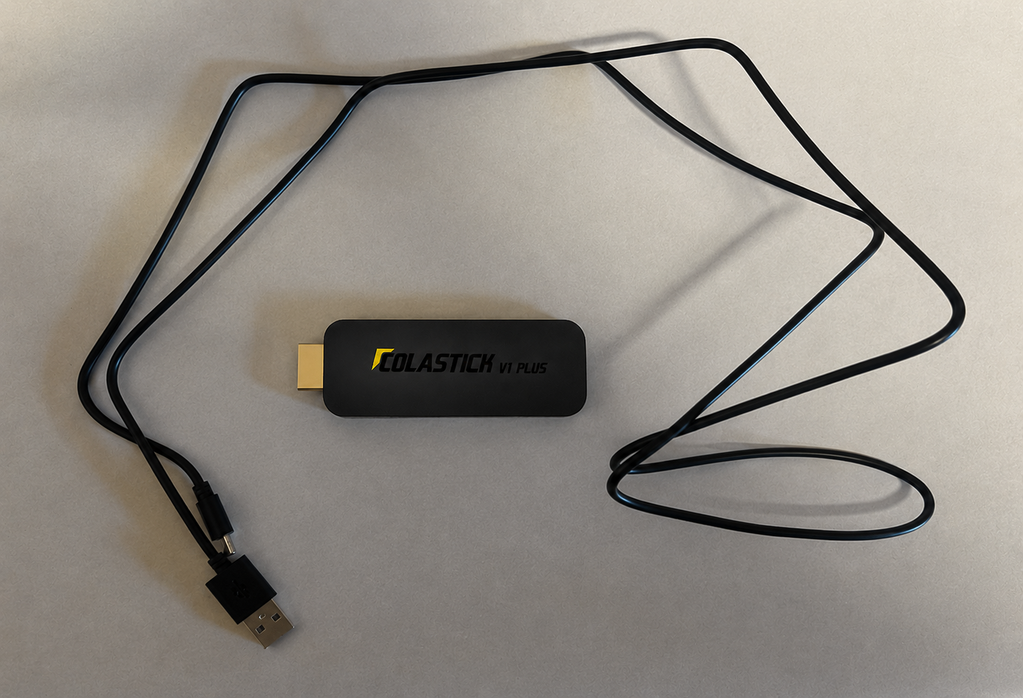
1× ColaStick V1 Plus (HDMI streaming stick)
1× Voice Remote (batteries not included)
1× HDMI Extension Interface Cable
1× HDMI Coupler
1× USB-C Power Cord + Power Adapter
1× User Manual
Every accessory needed for all three ColaStick install methods is included — nothing extra to buy.
Shipping & Returns
Free US Shipping: 2–3 business days, fully tracked. Both devices ship together in one package.
60-Day Money-Back: Not satisfied? Full refund, no questions asked.
1-Year Warranty: Covers hardware defects on both devices.
Everything You Love. On Two TVs.
The same 3,500+ channels on both devices — zero subscriptions, zero renewal fees.
Live Sports
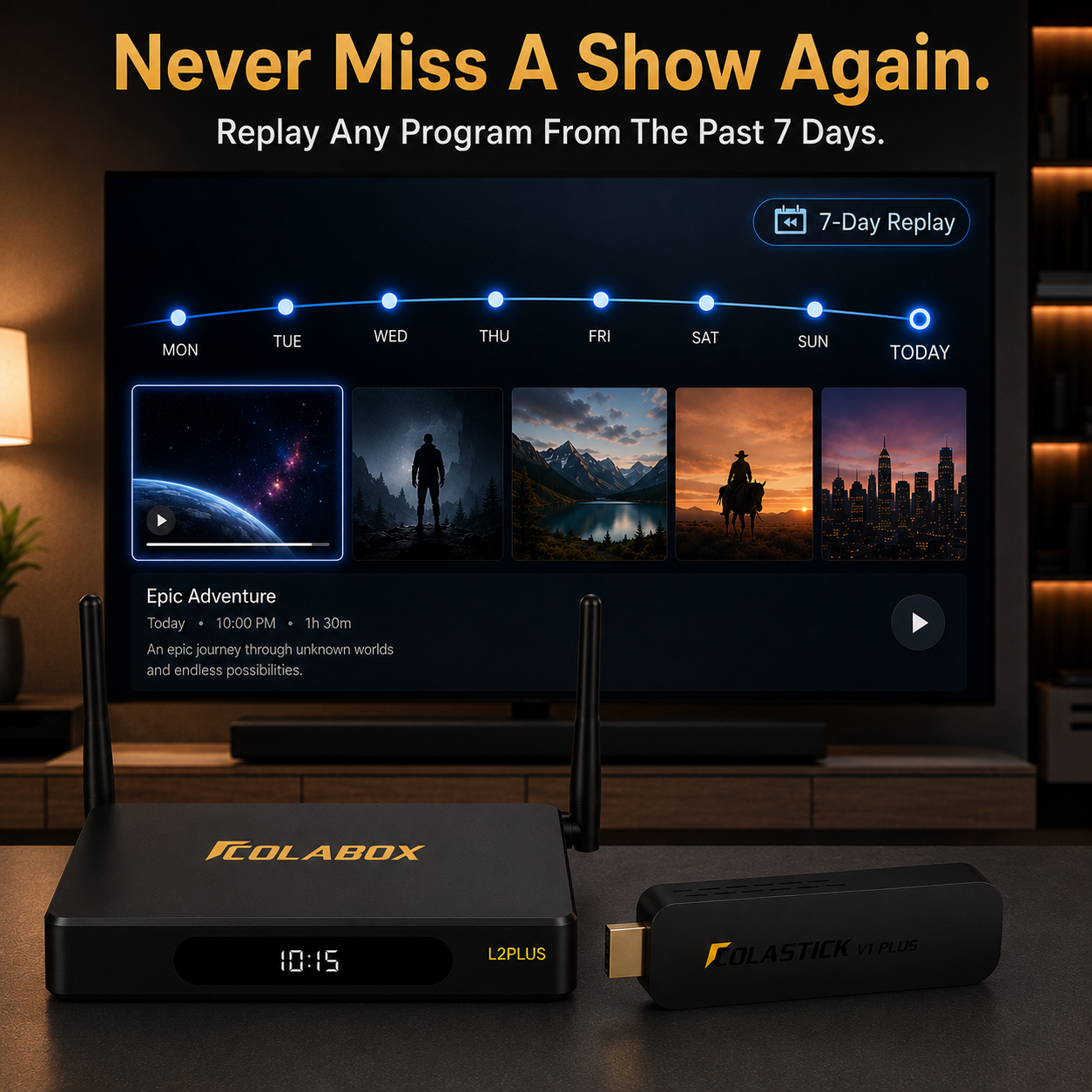
Explore supported sports channels and apps, with 7-Day Replay so you never miss the big game.
Movies & TV
Thousands of titles. Updated daily.
Live News
24/7 coverage from every major network.
International
50+ languages. Your culture, your screen.
Kids & Family
Kid-friendly. Enjoy channels for all.
Music & Radio
Music, radio & podcasts. Always on.
✦ Setup Guide
ColaBox Plugs Straight In.
ColaStick Gives You Three Options.
ColaBox L2 Plus: HDMI + power adapter, done. For ColaStick, pick the method that works for that TV.
Method 1
Direct Plug-In
Plug ColaStick directly into your TV's HDMI port, powered by the included USB-C adapter in a wall outlet.
Method 2
HDMI Extension Cable
Use the included HDMI extension cable to extend ColaStick away from the TV's back panel. Better remote signal. Better airflow.
✓ Best choice for most TVs.
Method 3
Extension Cable + Coupler
For TVs with tight HDMI port spacing or angled ports. Use the HDMI coupler with the extension cable for maximum flexibility.
Cost Comparison
How Much Will You Save?
See what you're really paying — and what you could keep in your pocket.
❌ Traditional Streaming
✅ With the Whole-Home Bundle
Never Miss a Moment —
7-Day Auto-Replay
Built into both devices. Whichever TV you're watching, the last 7 days of content stay ready for instant playback.
Content Available Anytime
↩ Scroll back anytime. No setup needed.
Missed Sunday Night Football?
Replay it Monday morning — full game, no spoilers.
Want to rewatch last night's episode?
It's already saved. Hit play and enjoy.
Need to catch up on this week's news?
Browse the past 7 days, anytime you're ready.
Zero Extra Cost. Zero Setup. Zero Stress.
Built into both devices — no subscription, no DVR hardware required.

Picture Quality You'll Notice Instantly
The Sharpest Picture Your TVs Can Show
Both devices output true 4K to your existing TVs — no extra equipment needed. Everything looks sharper, brighter, and more lifelike right out of the box.
- Stunningly sharp 4K picture on any compatible TV
- Rich, true-to-life colors that pop on screen
- Smooth, flicker-free playback — even for fast-moving sports
For the Main TV
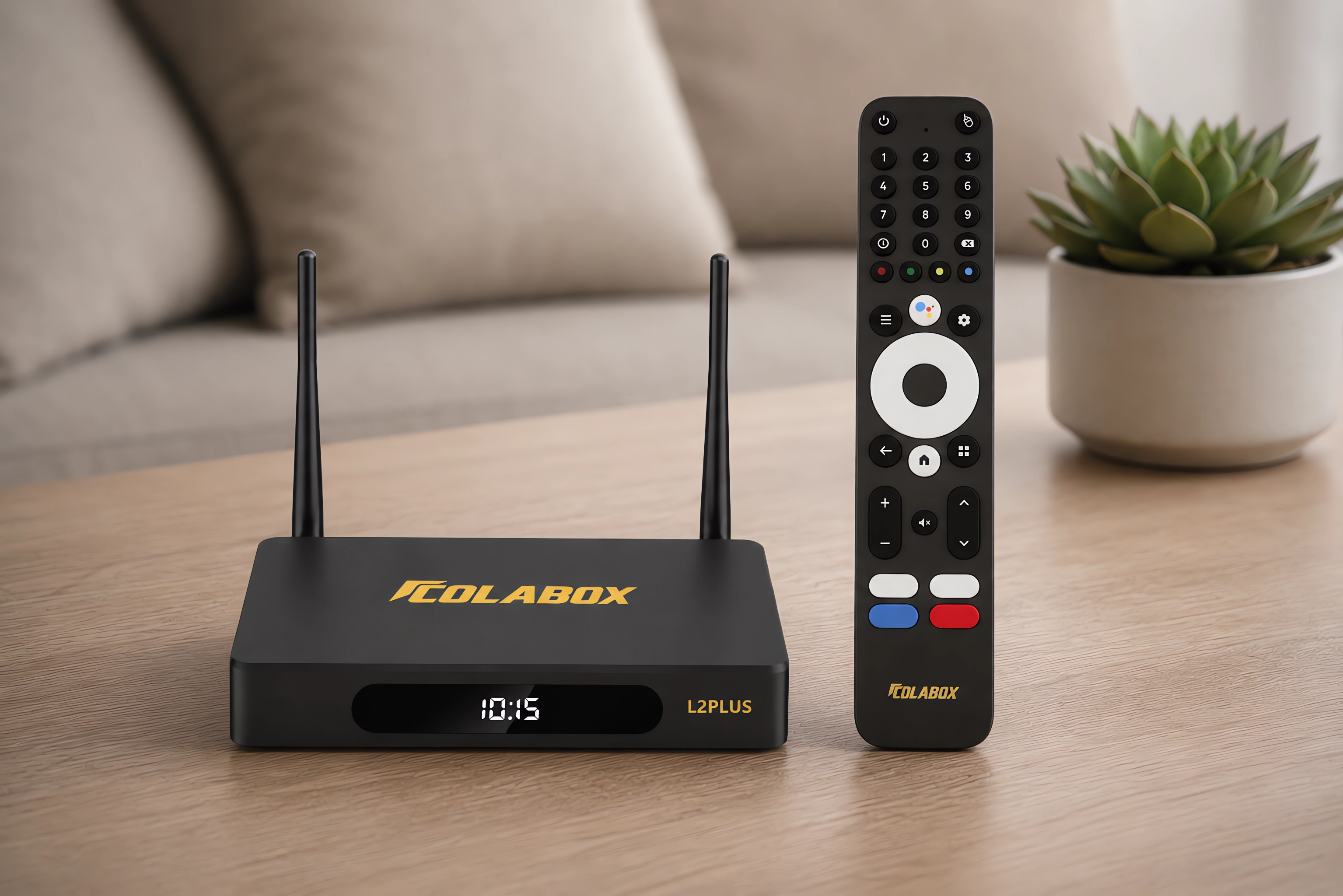
ColaBox L2 Plus — Your Living Room Anchor
The full-size media player goes on your primary TV, where you want maximum performance and a wired connection option.
- Gigabit Ethernet port for the most stable streaming possible
- Dual external antennas for strong Wi-Fi anywhere in the house
- Optical audio out for your soundbar or receiver
- Voice remote with 4 programmable quick-access buttons
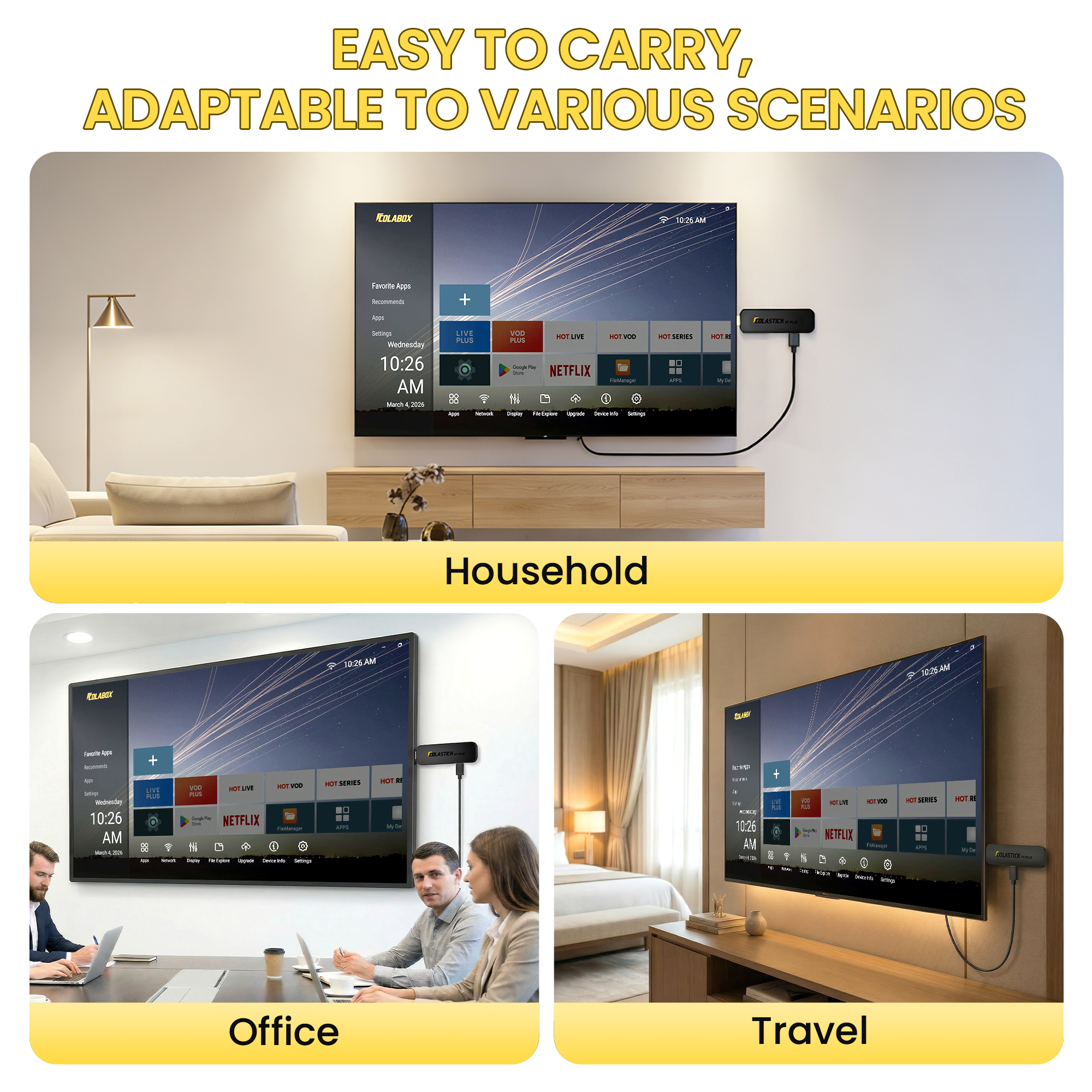
For the Second TV — or the Road
ColaStick V1 Plus — Goes Wherever You Do
- Plugs into any TV with an HDMI port — no special setup required
- Small enough to fit in your pocket or travel bag
- Connects to hotel Wi-Fi or home internet in seconds
- Comes with its own voice remote — no need to touch the TV's remote
- Same channels and same 7-Day Replay as the ColaBox
Originally bought just the L2 Plus for my parents. Set it up for them — my mom loves it, she's been finding Spanish content she hadn't been able to watch in years. Went home and ordered the bundle the same week for myself. L2 Plus is in the living room through my receiver, ColaStick lives in my work bag for hotels and travel. The 4 programmable shortcut buttons on both remotes took maybe 2 minutes to set up and I use them every single time I watch. I cancelled two subscriptions the week I got home from setting it up at my parents' place. No monthly fees on any of the three devices now between their house and mine. Would buy again without thinking twice.
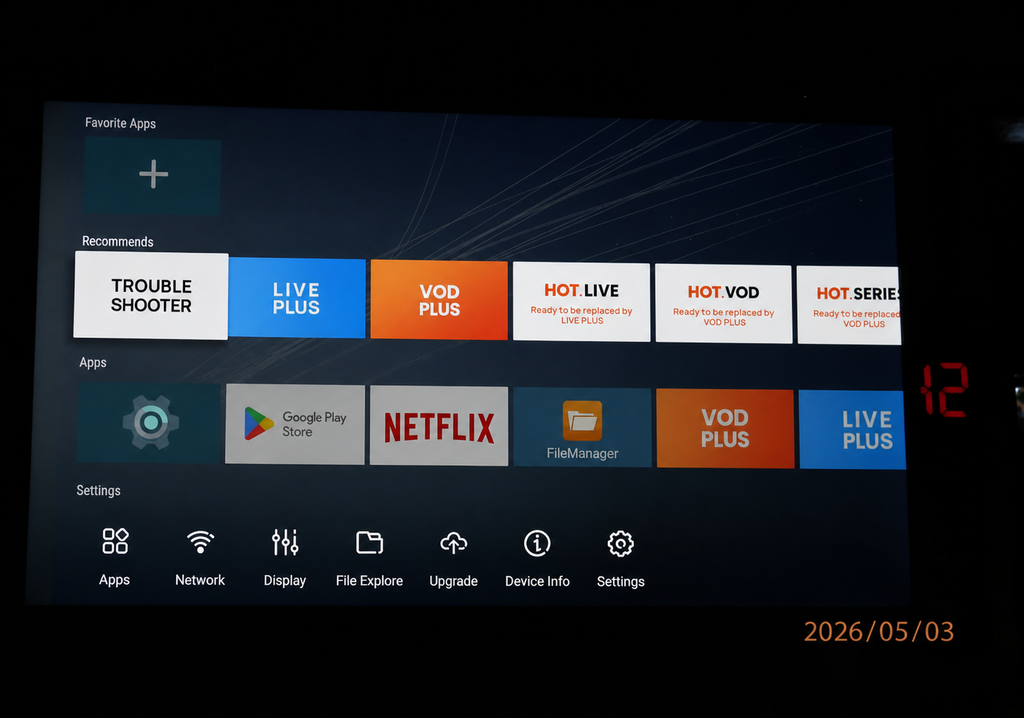
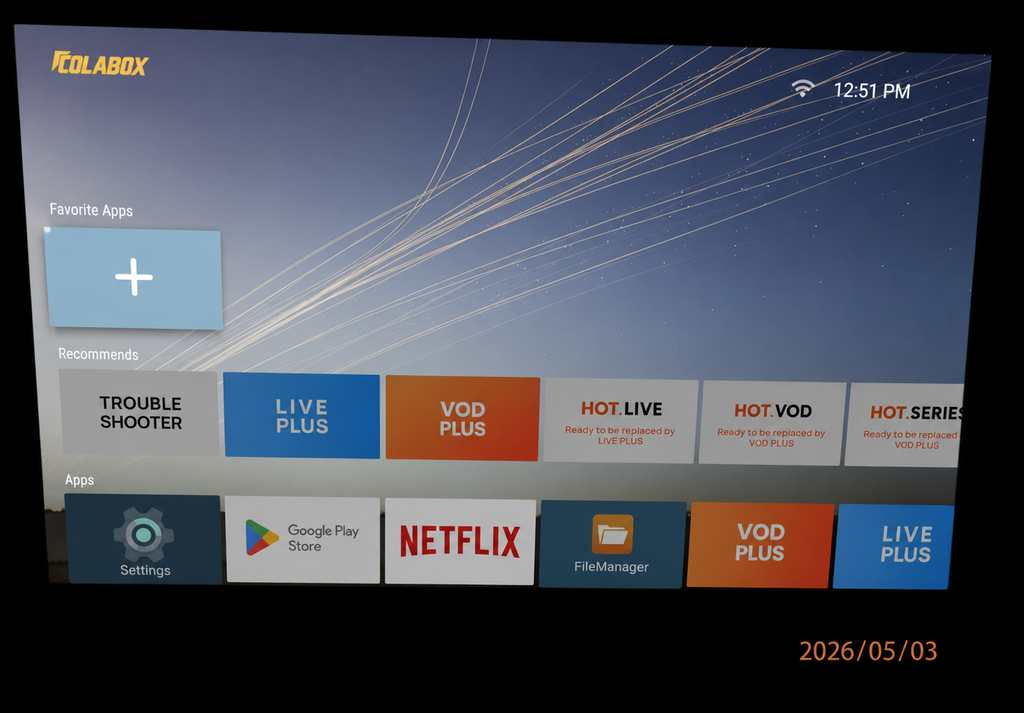
Got the bundle in early March. L2 Plus in the living room on ethernet — not a single buffer in 8 weeks, 4K is great on my TCL. ColaStick in the bedroom on WiFi — I was a little skeptical because our bedroom signal isn't the strongest but it's been totally fine. Took the stick on a work trip to Atlanta last month too, worked in the hotel exactly the same as at home, no tweaking required. Both devices running every day for 8 weeks, no crashes, no freezing, nothing unexpected. The 7-day replay is the feature I bring up every time someone asks me about it. If you have two TVs and you're still paying a cable bill, I'm not sure what else you need to know. $558 one time.
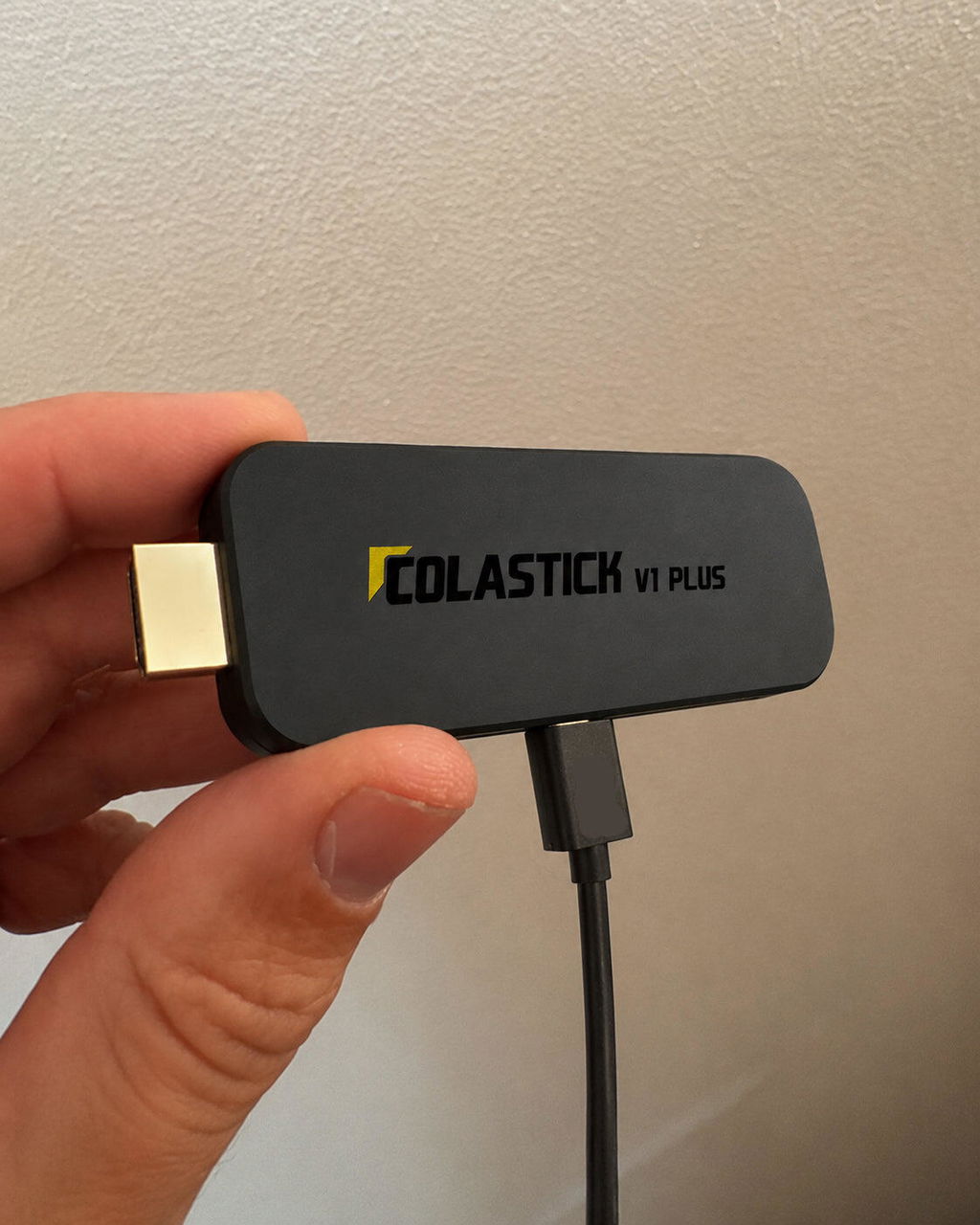
We needed something for both the living room and bedroom. My husband handled the L2 Plus in the living room — ran ethernet, took about 20 minutes. I set up the ColaStick in the bedroom myself and I am genuinely not a tech person. Plug into HDMI, plug USB for power, connected WiFi, done in 10 minutes. The voice remotes on both are easy. We watch a lot of Spanish-language content and both devices have the same selection, which was important to us — we didn't want a different experience on the bedroom TV. My only comment is the ColaStick remote feels lighter than the L2 Plus remote, but it works exactly the same. Very happy overall. No monthly fees on either one.
The thing that kept me from cutting cable for so long was having two TVs and not wanting to deal with two separate setups or two monthly fees. The bundle fixed that. L2 Plus went in the living room connected to my receiver via optical — Dolby Digital through the soundbar sounds great. The Stick went in the bedroom, HDMI in, powered off the TV's USB port, running in about 8 minutes. Both have the same 7-day replay, so if I fall asleep during a game I finish it in bed the next morning without missing anything. Our Comcast bill was $210 a month. $558 one time and we're done. The math on that is embarrassing in hindsight — I should have done this two years ago.
Travel for work 3 weeks a month, so hotel TV quality genuinely affects my life. Bought the bundle so I'd have the full box at home and a stick I could throw in my laptop bag. The stick fits in a side pocket, weighs nothing. Most hotel TVs have HDMI and USB ports so I'm set up in about 5 minutes after checking in — no hunting for outlets. Bluetooth headphone pairing on the stick is what I use most in hotels, pair my headphones and watch without bothering anyone. The L2 Plus at home runs through my Yamaha receiver, Dolby Digital optical works properly which was my main requirement. 7-day replay on both means I never miss anything while I'm traveling. $558 total, no monthly fees on either device. Straightforward.
Frequently Asked Questions
What exactly comes in the bundle?
Two complete devices, each with its own remote and accessories: one ColaBox L2 Plus (full-size media player, 4GB RAM / 64GB storage, Ethernet, Dolby audio out) and one ColaStick V1 Plus (pocket-size HDMI stick, 2GB RAM / 32GB storage). Both ship together in one package.
Which device should go on which TV?
Put the ColaBox L2 Plus on your primary TV — it has Gigabit Ethernet, Dolby audio output, and more memory, so it handles the heaviest use best. Put the ColaStick V1 Plus on a second TV, in a bedroom or garage, or keep it in your bag for hotels and RVs. Both access the same 3,500+ supported channels with no monthly fees.
Can both devices be used at the same time?
Yes. Each device connects to its own TV and runs independently — two people can watch different things at the same time on two TVs. Each device connects to one TV at a time.
Do I need to pay any monthly fees?
No — never. The bundle is a one-time purchase. There is no recurring fee for the hardware, zero hidden charges, on either device. Buy once, watch forever.
Are these devices legal to use?
Yes. Both are Android TV devices that run Google Play Store apps — the same platform used by millions of devices worldwide. They are legal to own and use. Content availability depends on the apps you choose to install.
What apps can I install?
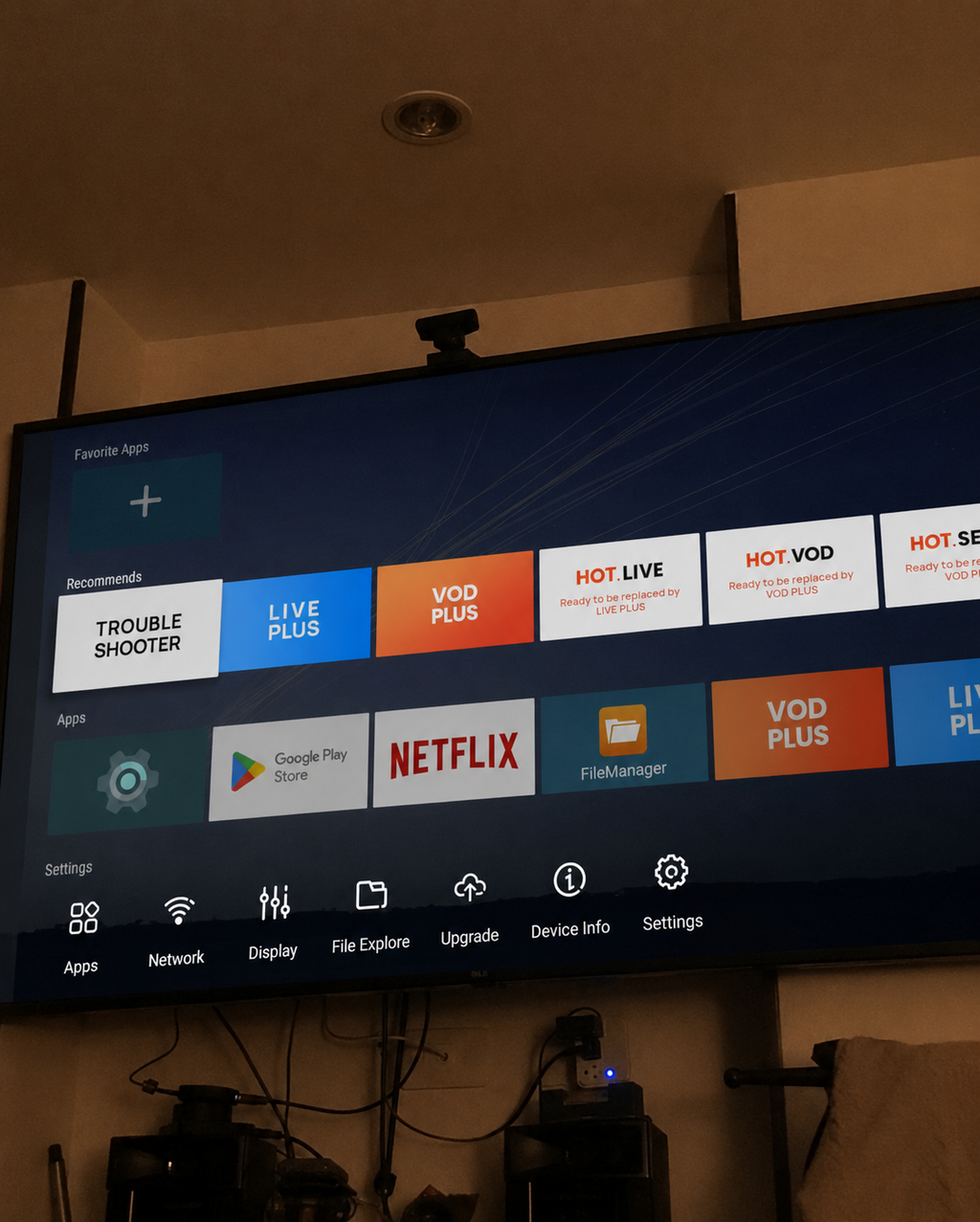
Both devices run Android 14.0 with full Google Play Store access — 3M+ apps including streaming services, sports, music, news, and more. Two apps come pre-loaded on each so you can start watching immediately.
Is the picture quality really 4K?
Yes, on both devices. True 4K Ultra HD (3840×2160) with HDR10+ and H.265 hardware decoding at 60fps. You'll need a 4K TV for the full experience; both devices also output 1080p for standard HD televisions.
How do I power the ColaStick?
Use the included USB-C power adapter plugged into a wall outlet. We do not recommend powering it from your TV's USB port — TV USB ports may not provide stable power (ColaStick requires 5V/2A), which can cause freezing or unexpected restarts. The adapter is included in the box at no extra cost. The ColaBox L2 Plus uses its own DC 12V/1A adapter, also included.
How does the 7-Day Replay work?
It's built into both devices — no setup, no DVR hardware, no extra fees. Simply navigate to a program from the past 7 days and press play. It works automatically from the moment you start using them.
Can I use Bluetooth headphones for private viewing?
Yes. Connect any Bluetooth headphones for private, late-night viewing. Note that each session requires a quick manual re-connection (about 10 seconds) — tap into Bluetooth settings, select your headphones, and you're in. Once paired, your headphones are remembered by the device.
My ColaStick remote stopped responding. What do I do?
Your TV's back panel is likely blocking the Bluetooth signal — this is the most common setup issue with HDMI sticks. The fix is simple: use the included HDMI extension cable to move ColaStick away from the back panel. This resolves the issue in almost all cases. If the remote still doesn't respond, re-pair it by pressing and holding the Home and Back buttons simultaneously for 5 seconds.
Do the devices receive software updates?
Yes. Both support automatic OTA (over-the-air) firmware updates, so they stay current with the latest features and improvements — no manual action needed.
Where do you ship and how long does it take?
We ship FREE to all US addresses. Standard delivery is 2–3 business days with full tracking provided. Both devices arrive together in one package. Expedited options are available at checkout.
What is your warranty and return policy?
Both devices come with a 1-year warranty covering all hardware defects. Plus, a 60-day money-back guarantee on the bundle: if you're not satisfied for any reason, return it for a full refund, no questions asked.