

Pocket-Size. Plugs Into Any HDMI Screen.


Biggest Deal of the Year: 15% OFF · Code PRIMEDAY15 · Ends in:
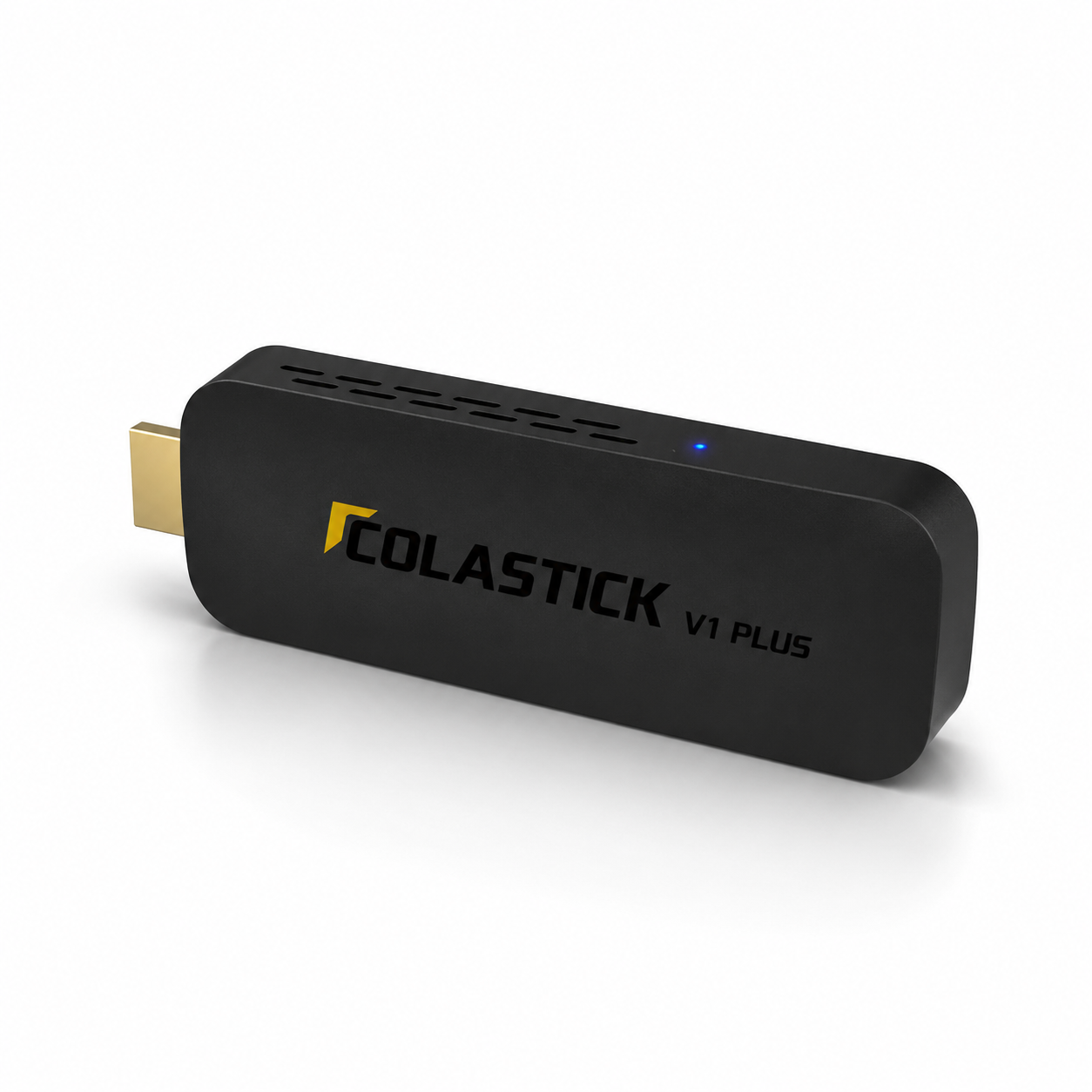
ColaStick V1 Plus — Portable Android 14 4K Streaming Stick | One-Time Purchase, No Device Fees
Same Channels. Pocket-Size. Take It Anywhere.
- Regular price
-
$249.00 - Regular price
-
$279.00 - Sale price
-
$249.00
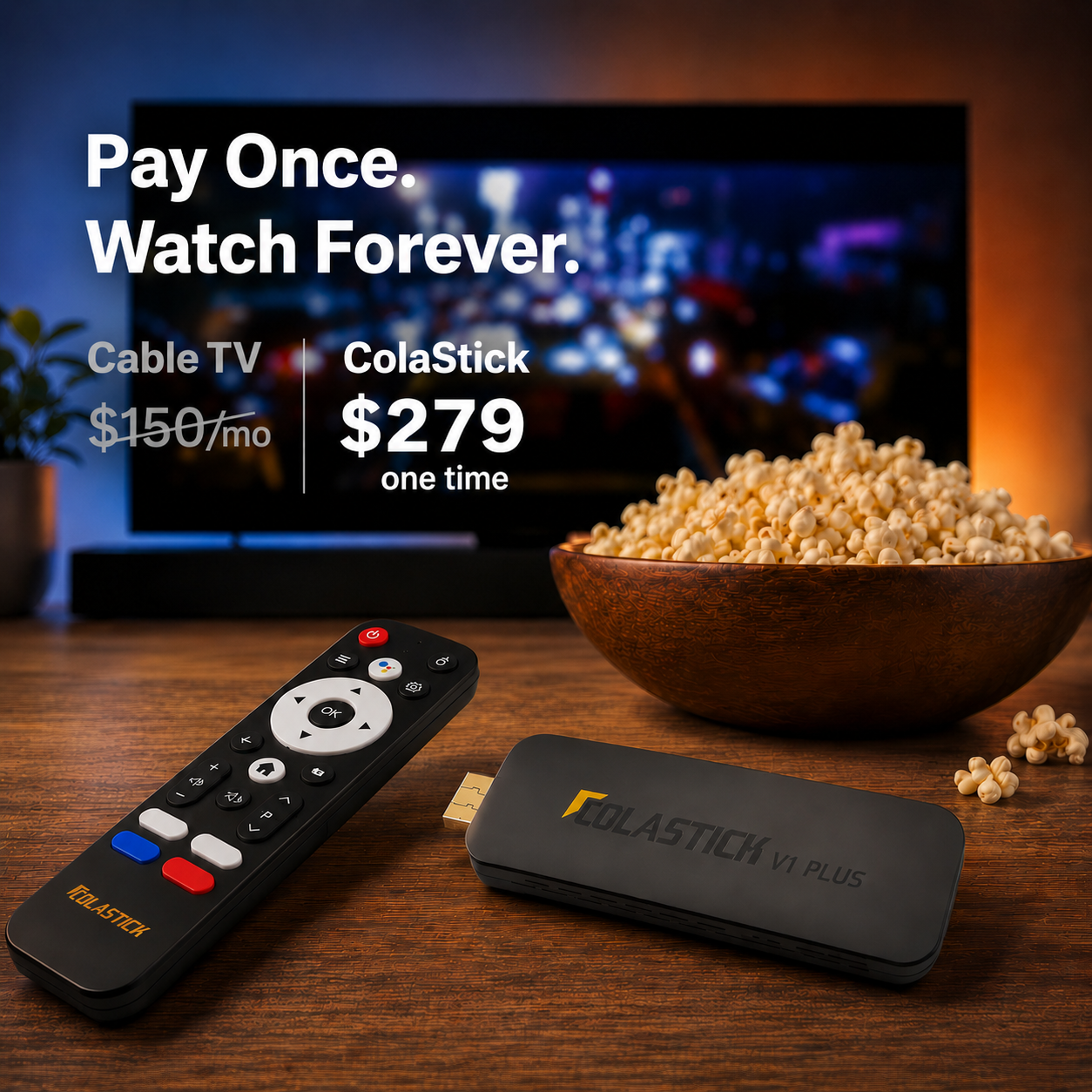
One-time purchase · No subscriptions · No hidden fees
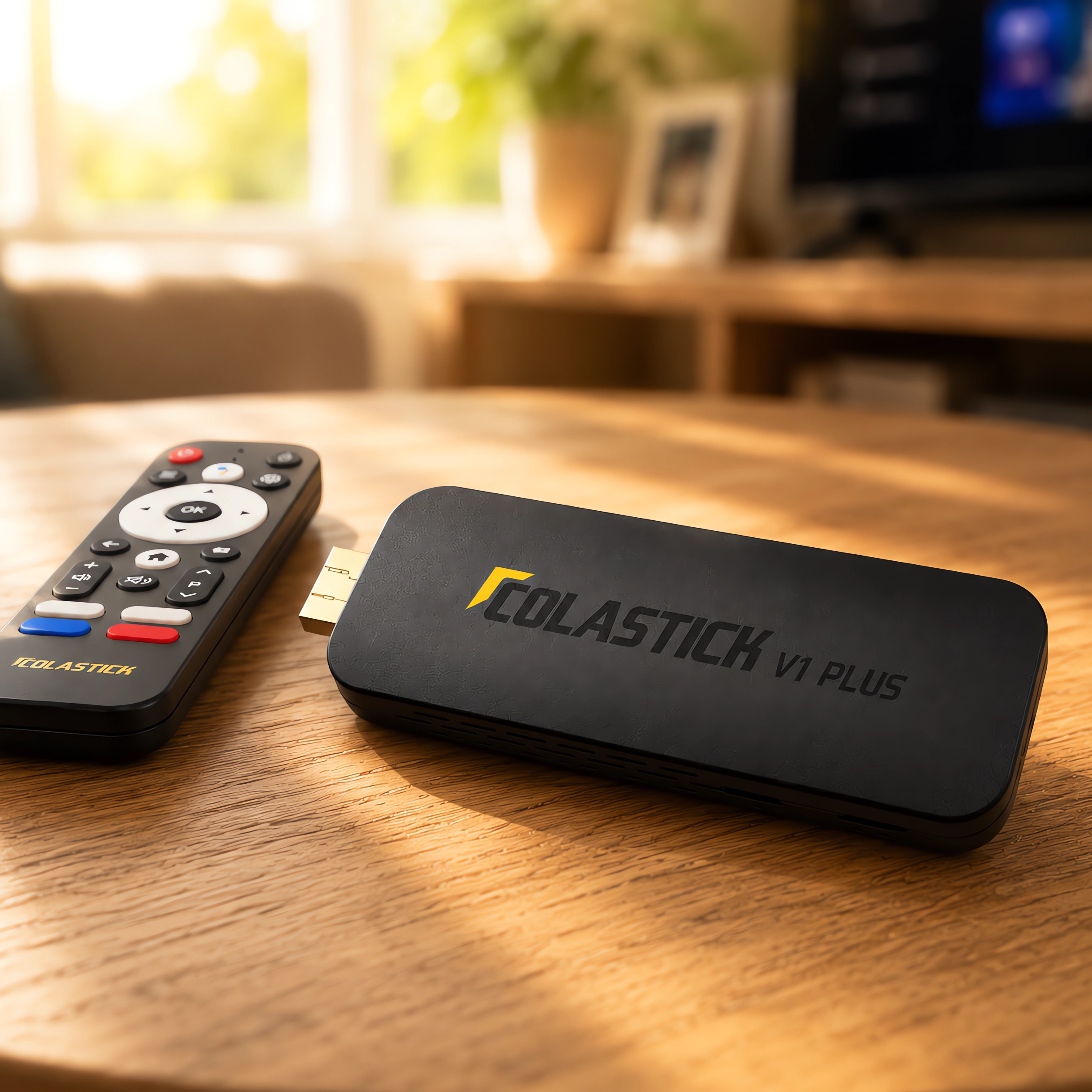
Plug Into Any HDMI Screen — TV, projector, monitor, or hotel room display.
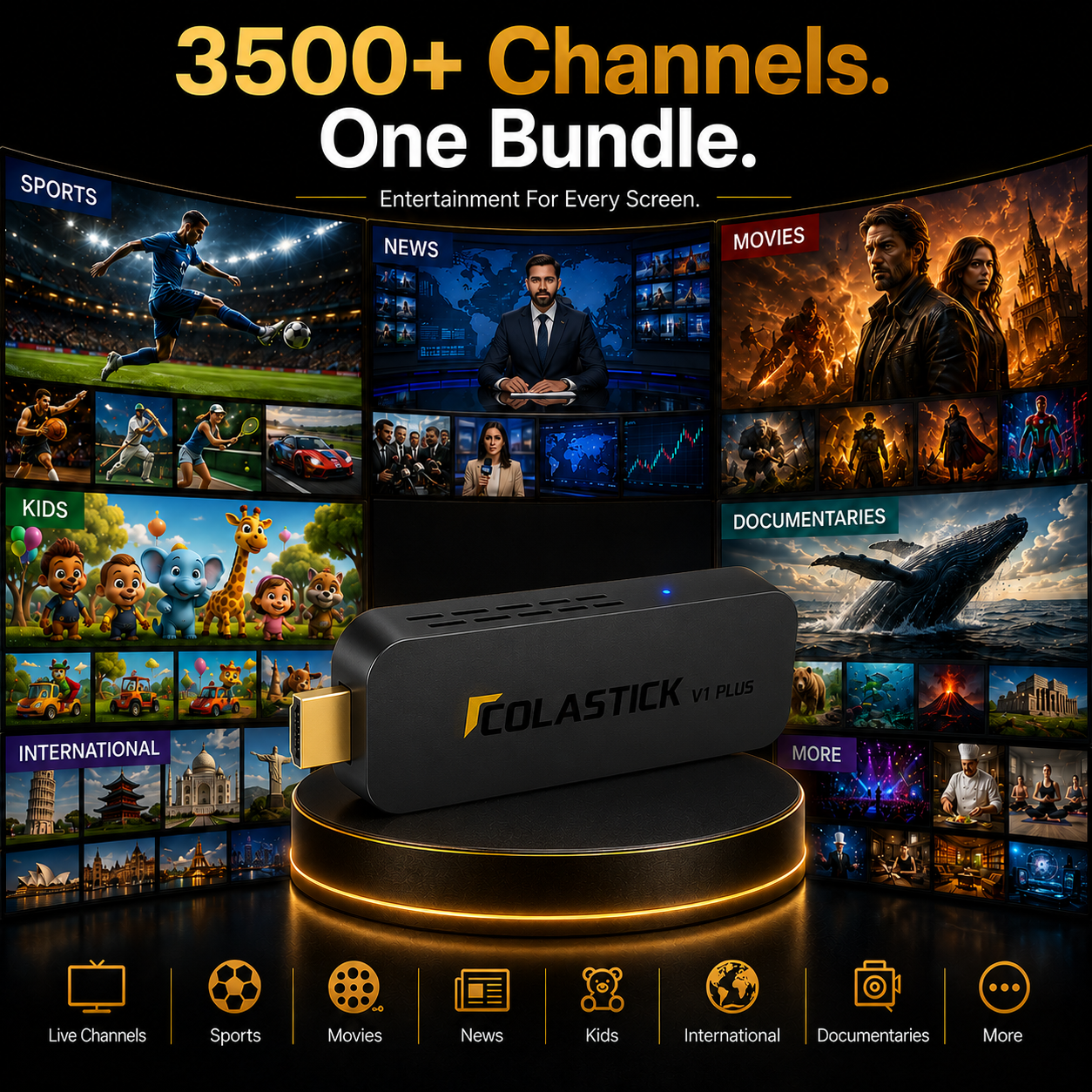
Live sports, movies, news & 3,500+ supported channels to explore — pre-loaded
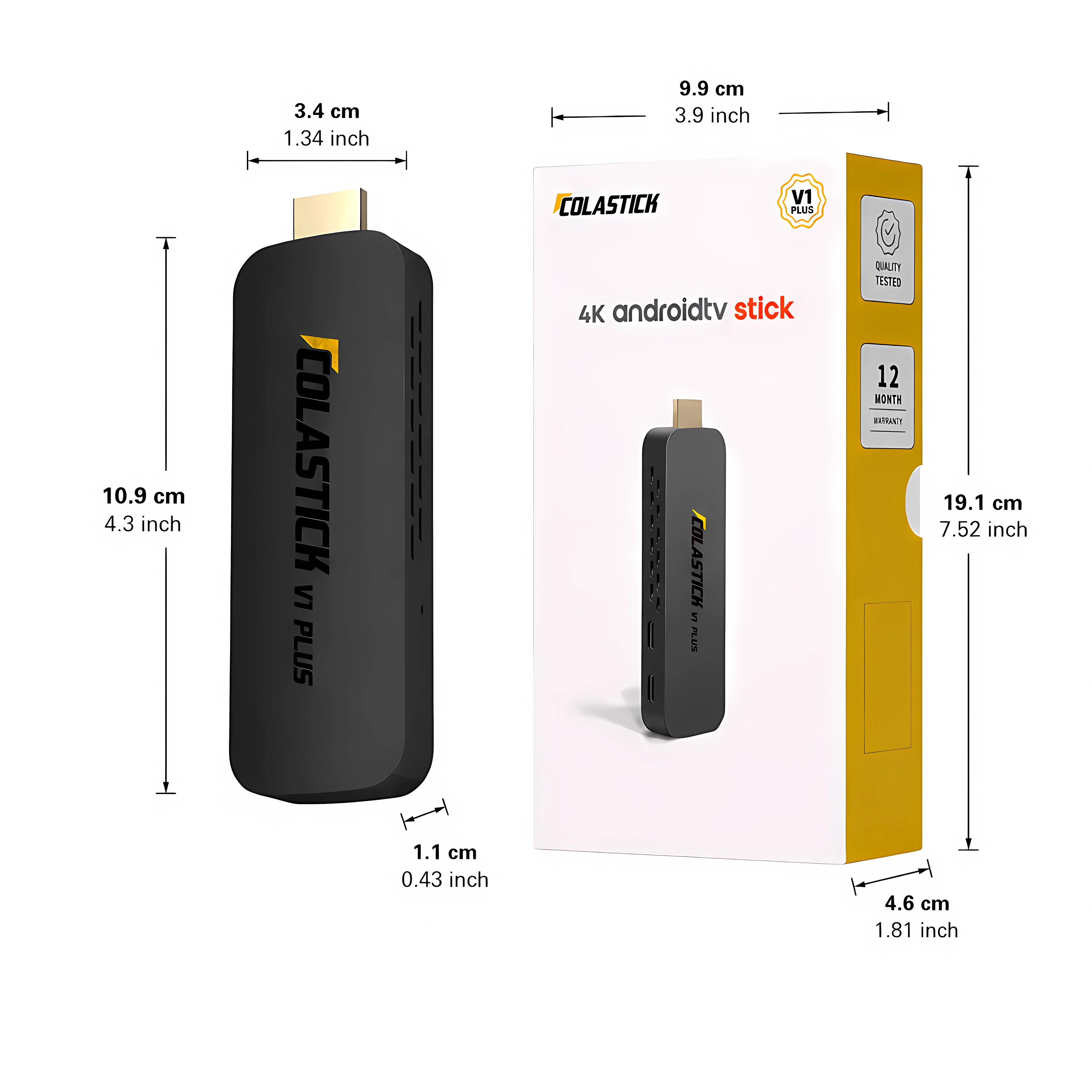
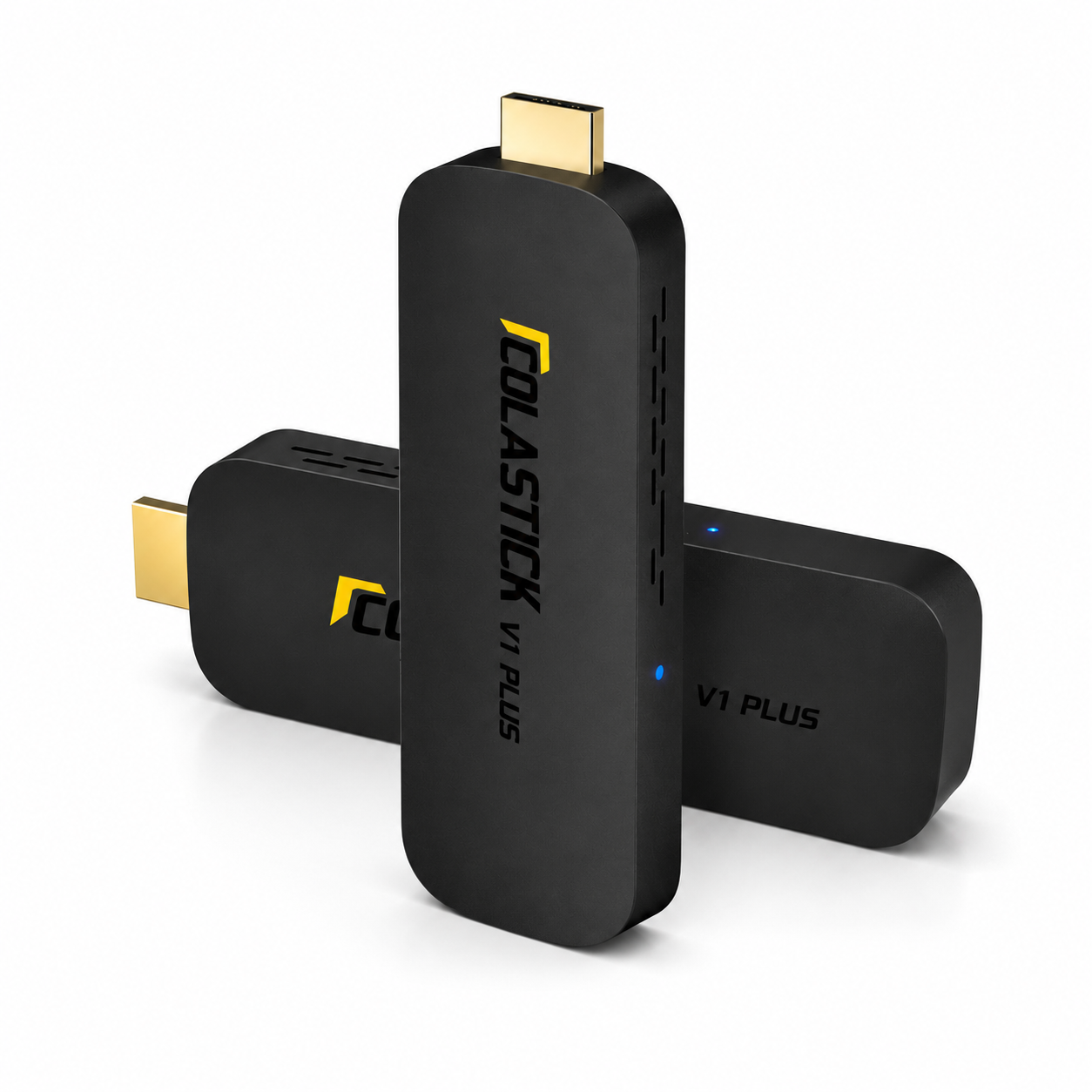
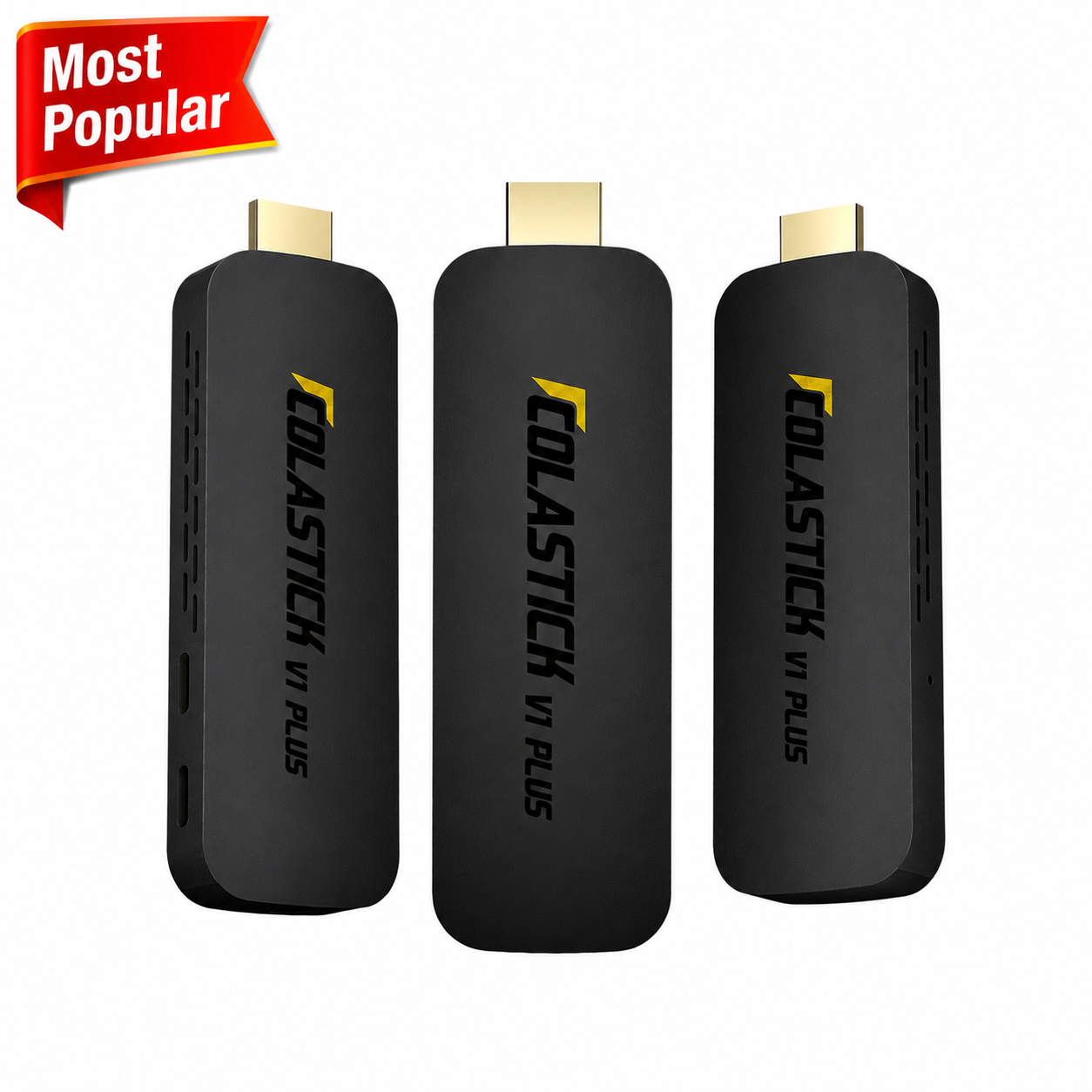
Pocket-size stick — no extra hardware, no cable box
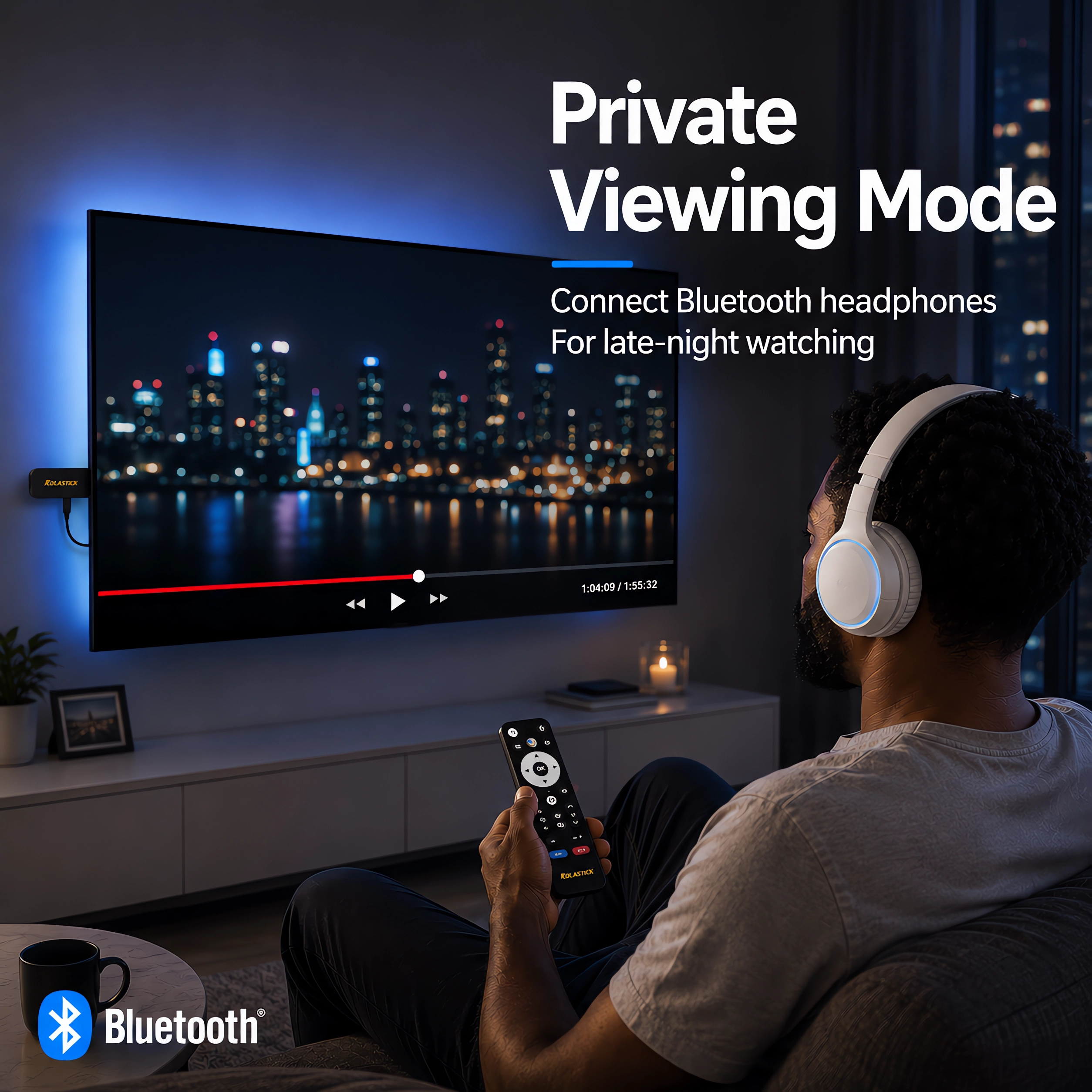
Private Viewing — Bluetooth Headphones
1-Year Warranty + 60-Day Money-Back Guarantee
Couldn't load pickup availability


Specifications
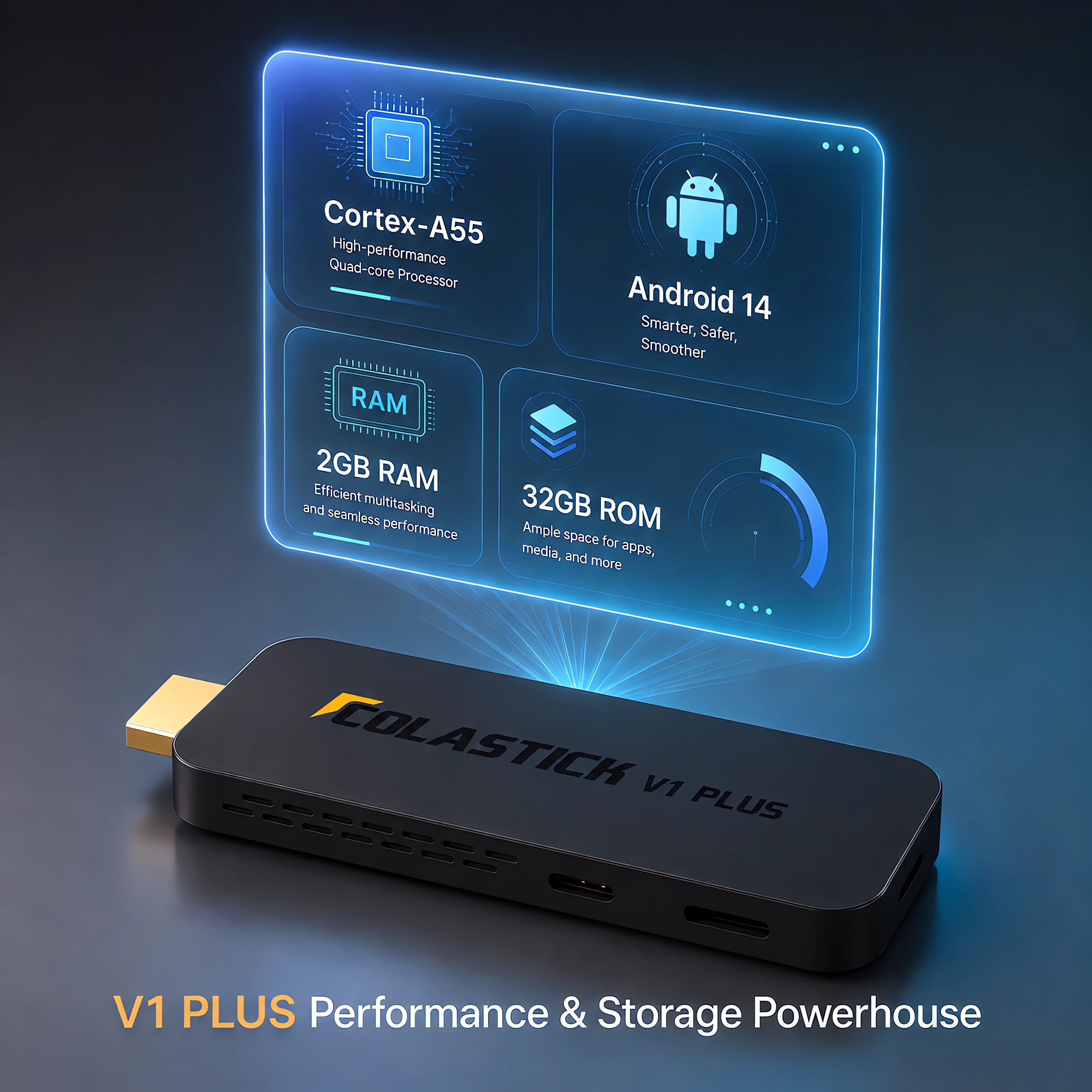
OS: Android 14.0
CPU: 4-core processor (ARM Cortex-A55, 64-bit)
RAM: 2GB
Storage: 32GB
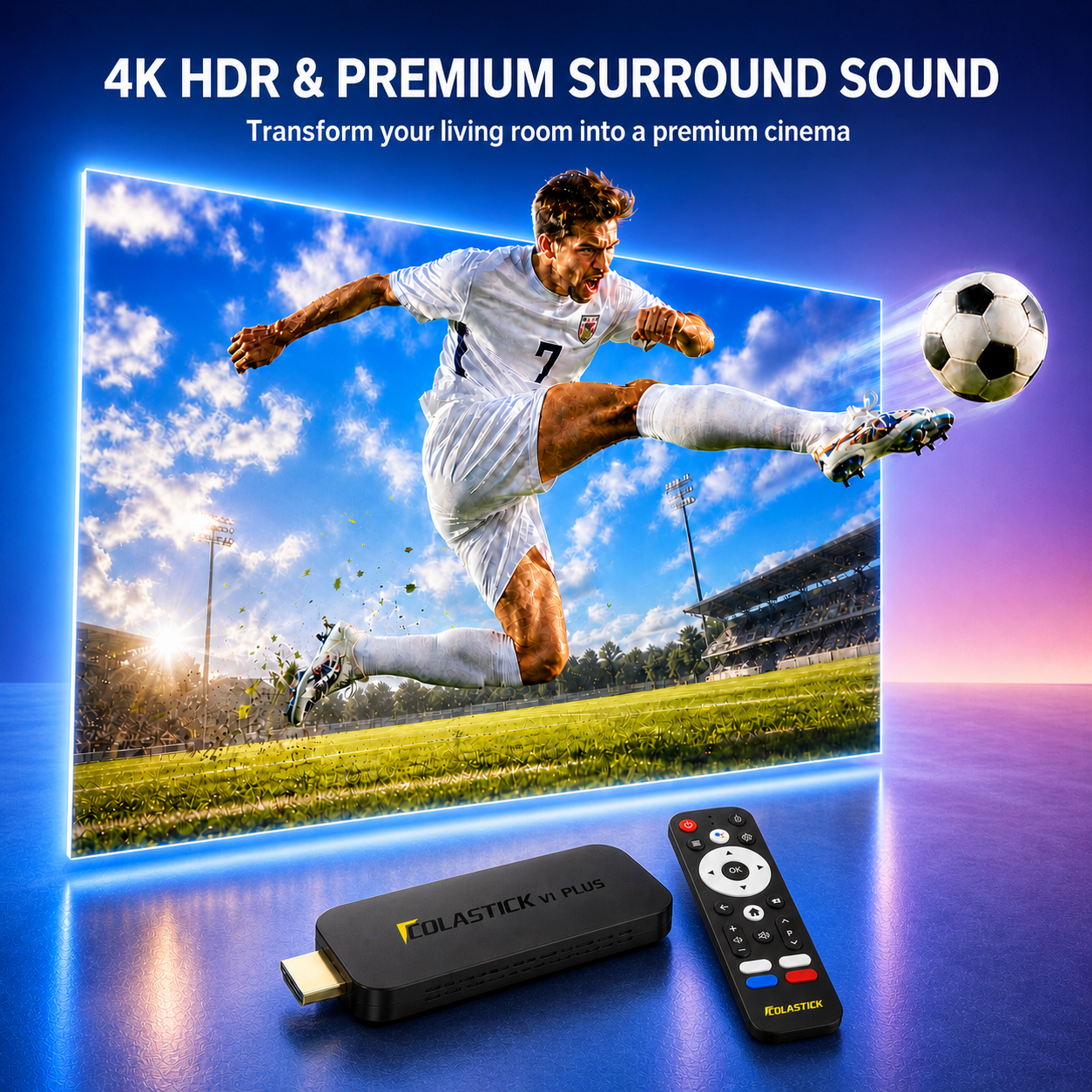
Video: 4K Ultra HD @60fps · HDR10+ · H.265 hardware decoding
Wi-Fi: Dual-band Wi-Fi 5 (802.11ac)
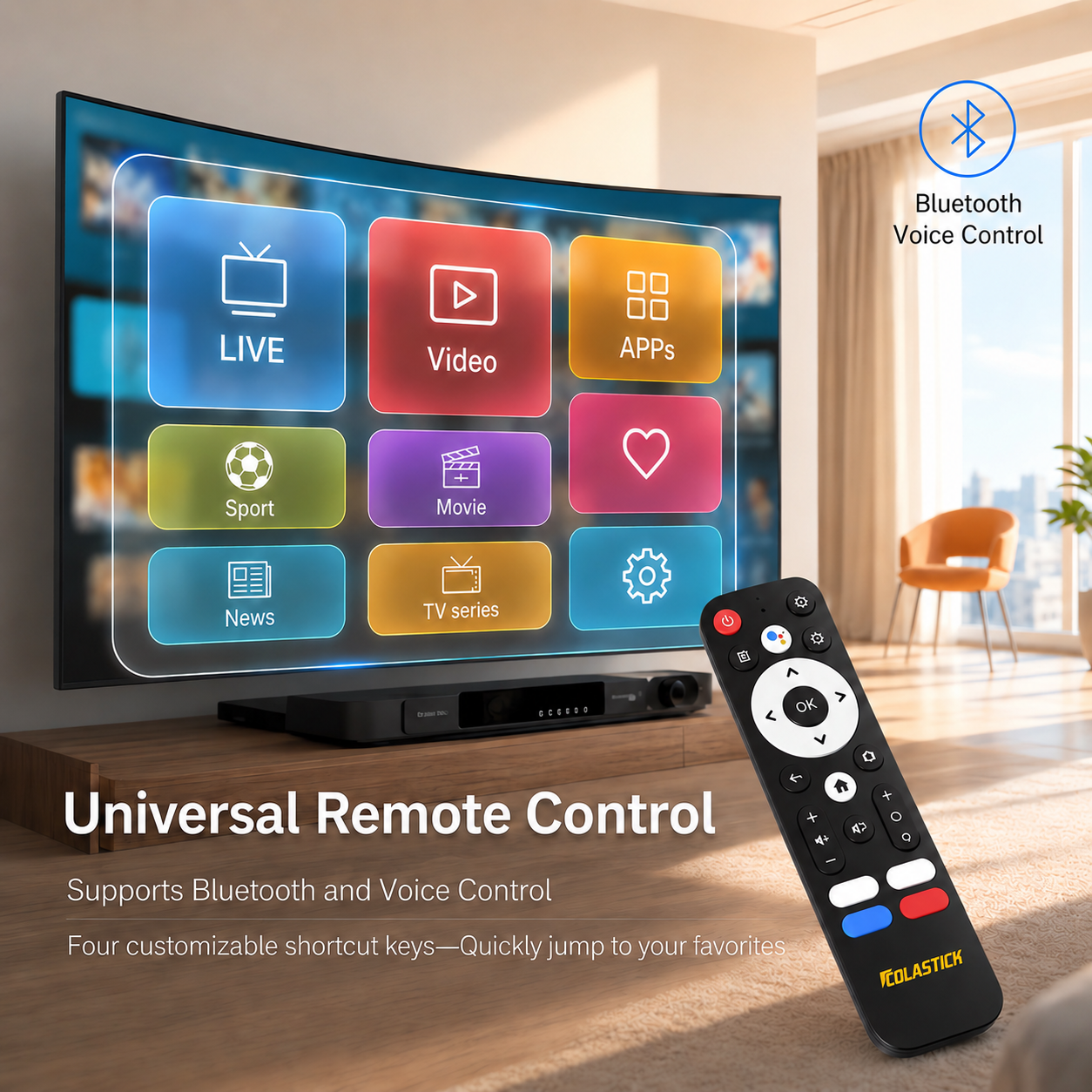
Bluetooth: 5.0 (BLE voice remote)
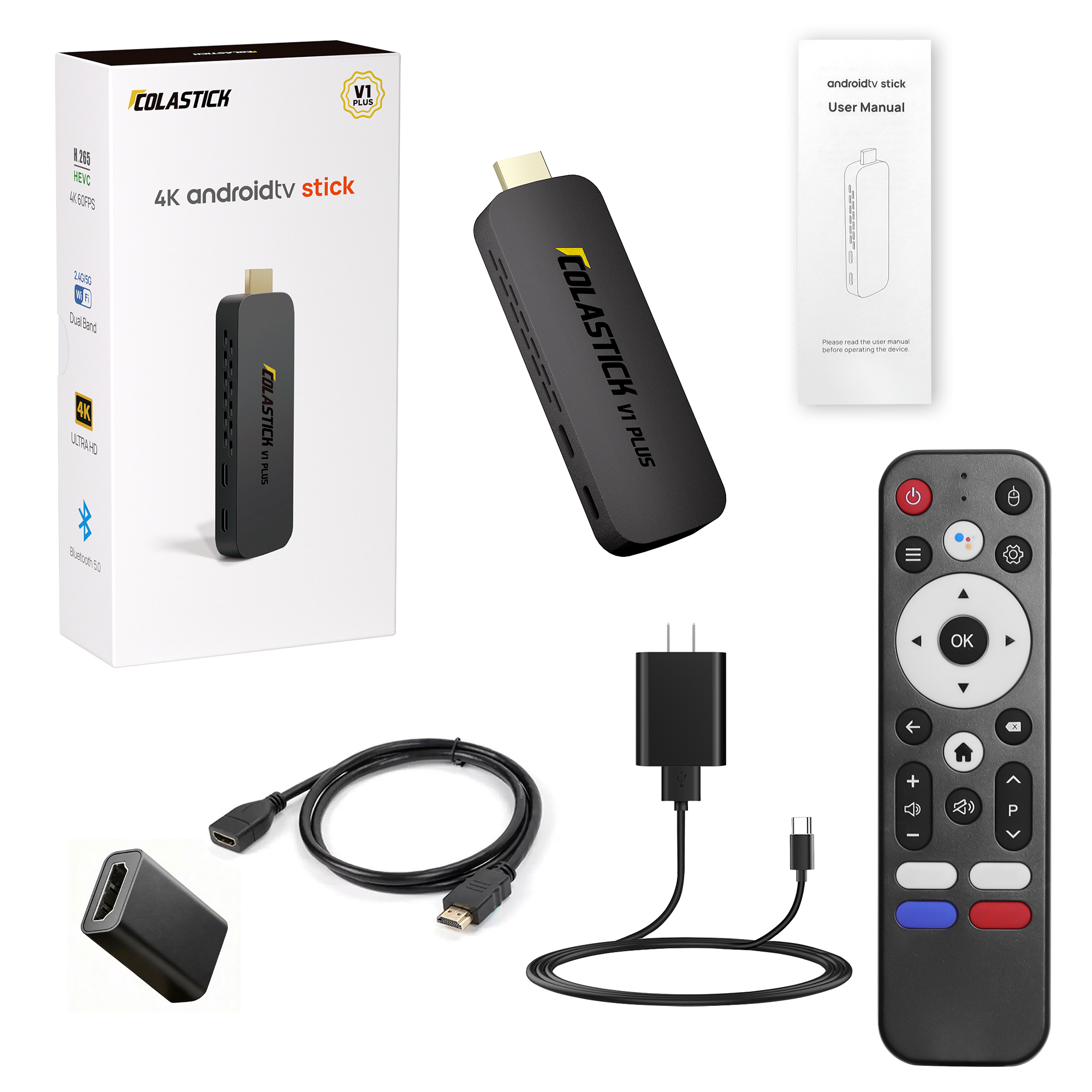
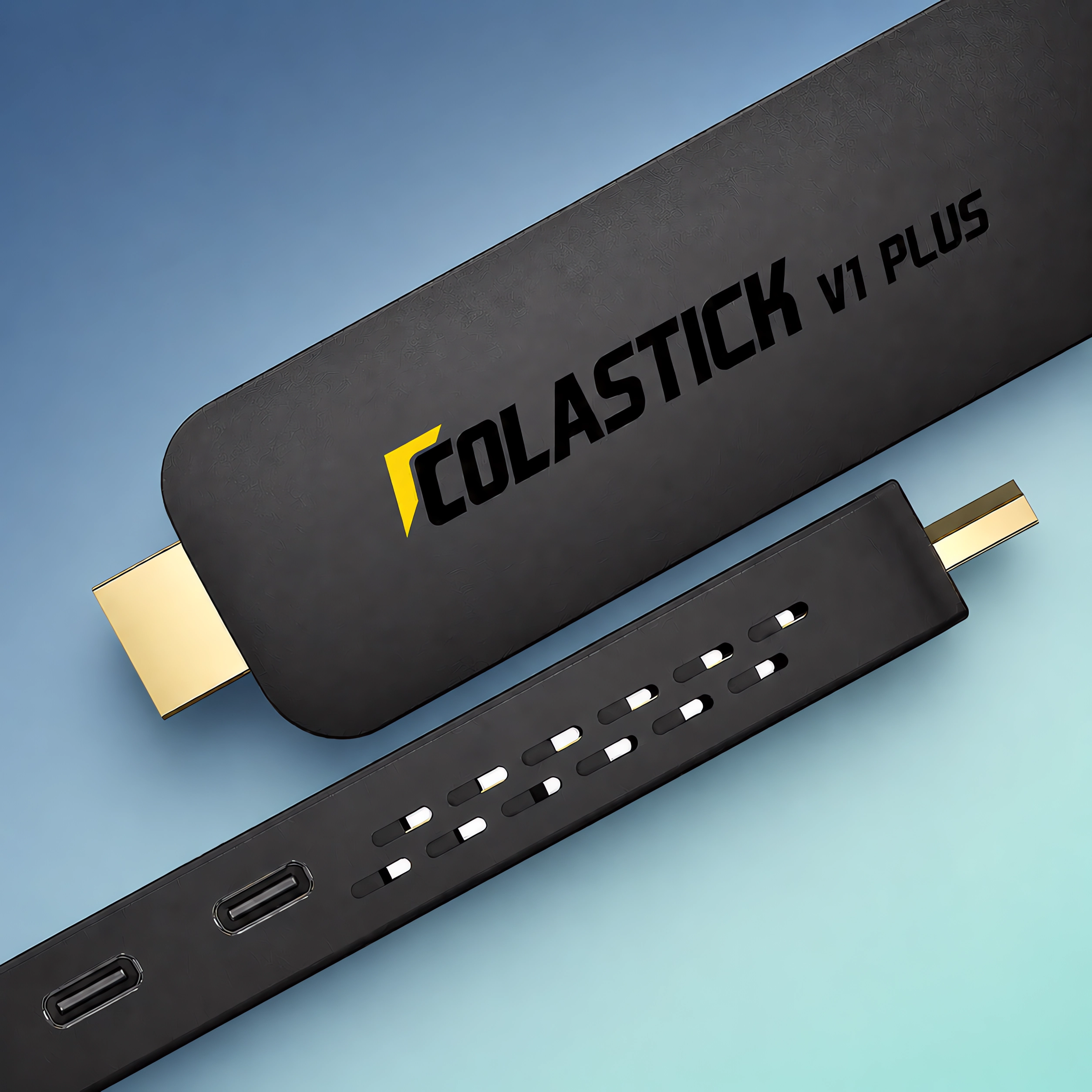
Ports: HDMI 2.0 (output) · USB-C (power input)
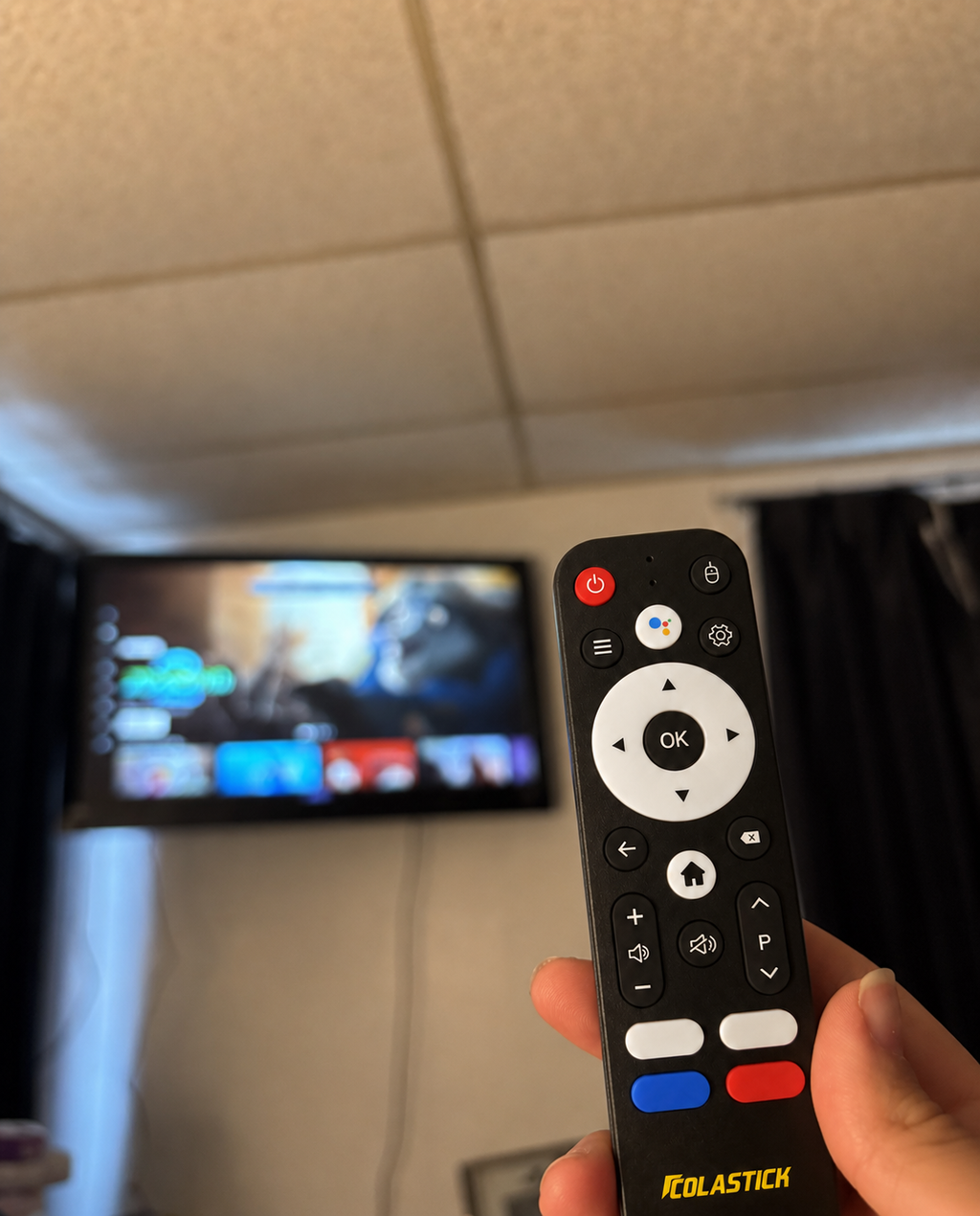
Remote: Voice remote (batteries not included)
Power: 5V/2A via USB-C adapter
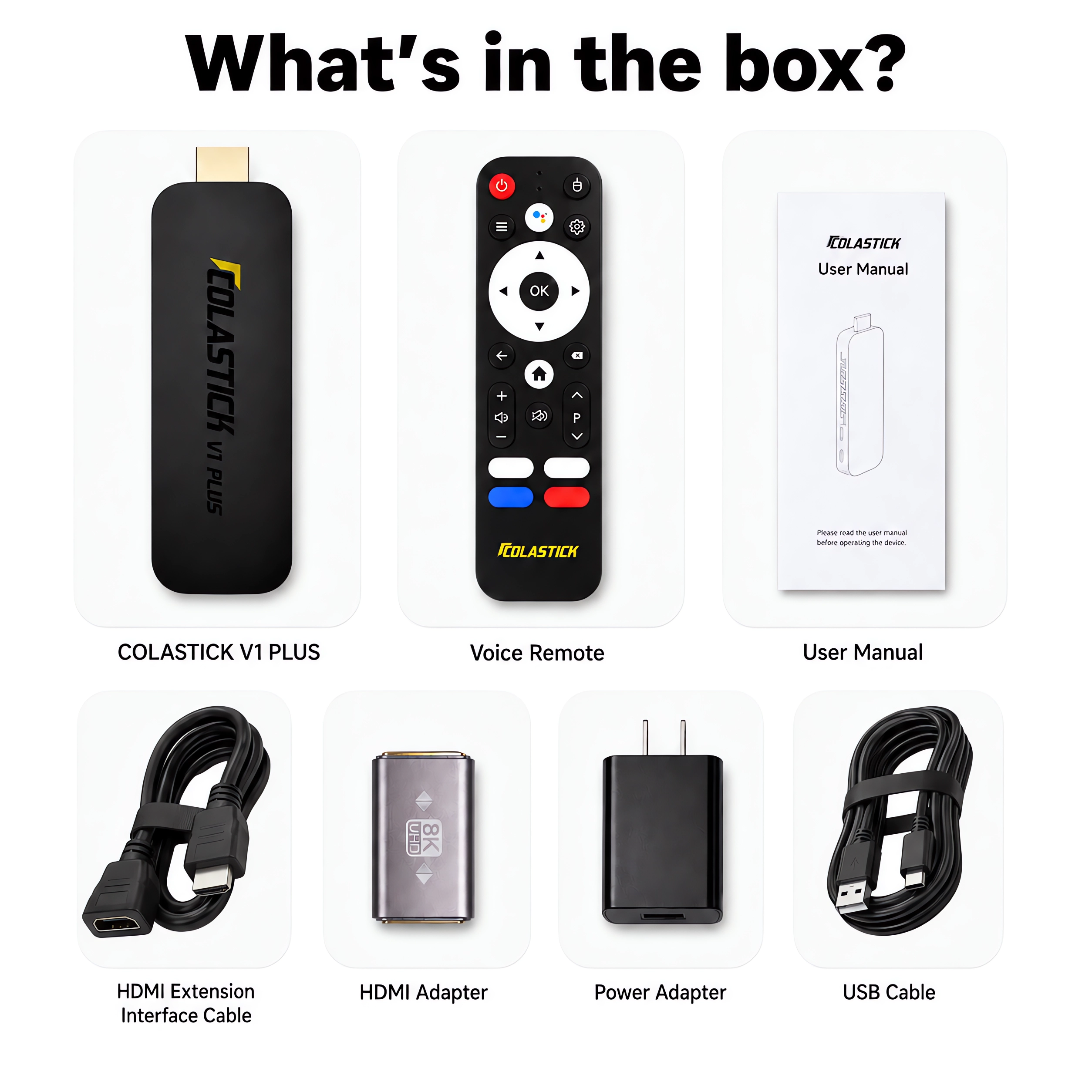
What's in the Box
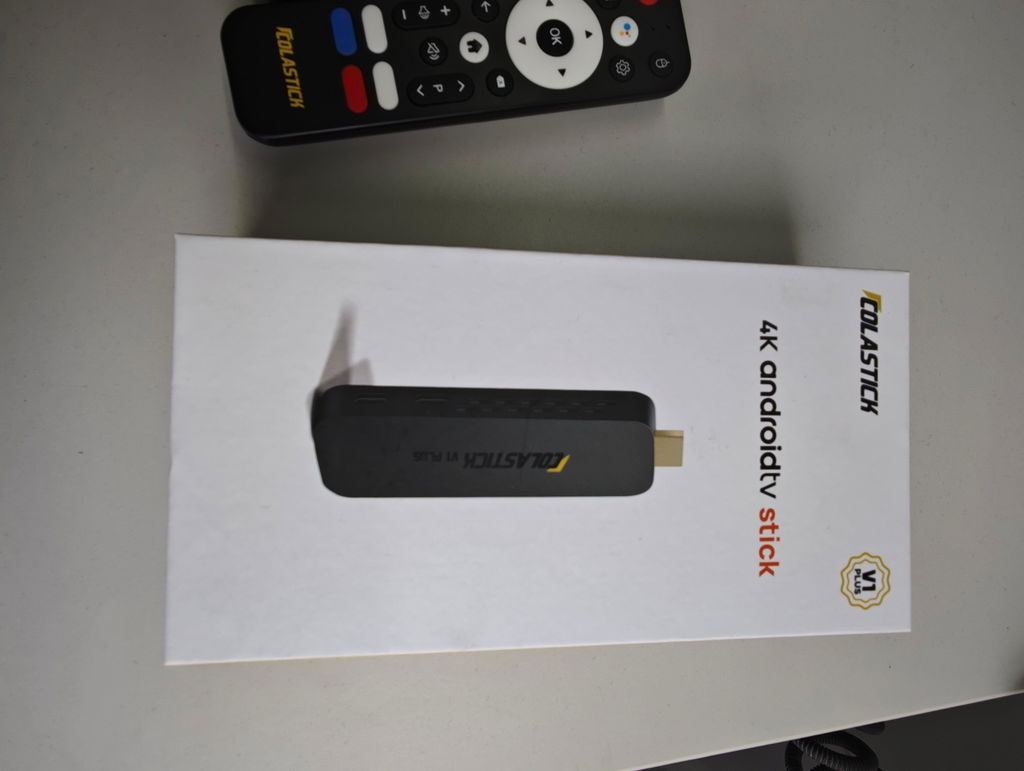
1× ColaStick V1 Plus (HDMI streaming stick)
1× Voice Remote (batteries not included)
1× HDMI Extension Interface Cable
1× HDMI Coupler
1× USB-C Power Cord + Power Adapter
1× User Manual
All three install methods use accessories included in the box — nothing extra to buy.
Shipping & Returns
Free US Shipping: 2–3 business days, fully tracked.
60-Day Money-Back: Not satisfied? Full refund, no questions asked.
1-Year Warranty: Covers all hardware defects.
Cost Comparison
How Much Will You Save?
See what you're really paying — and what you could keep in your pocket.
❌ Traditional Streaming
= $2,141 every year. Forever.
✅ With ColaStick V1 Plus
Year 2, 3, 4... = $0 / year
LIVE PLUS
A Smarter Way to Explore
The latest Live Plus interface brings live content and events together in a cleaner, easier-to-navigate experience.
Browse supported sports and upcoming events from one dedicated screen.
Move between event dates and see what's coming up more quickly.
Search, Live TV, Events and Settings are organized in one streamlined menu.

Live TV + Events.
One Simpler Interface.
Switch between live viewing and event discovery with a clearer navigation structure designed for everyday use.

Video Reviews
See It In Action
Everything You Love. One Device.
3,500+ channels. Zero subscriptions. Stream what matters — sports, news, family, and more.
Live Sports
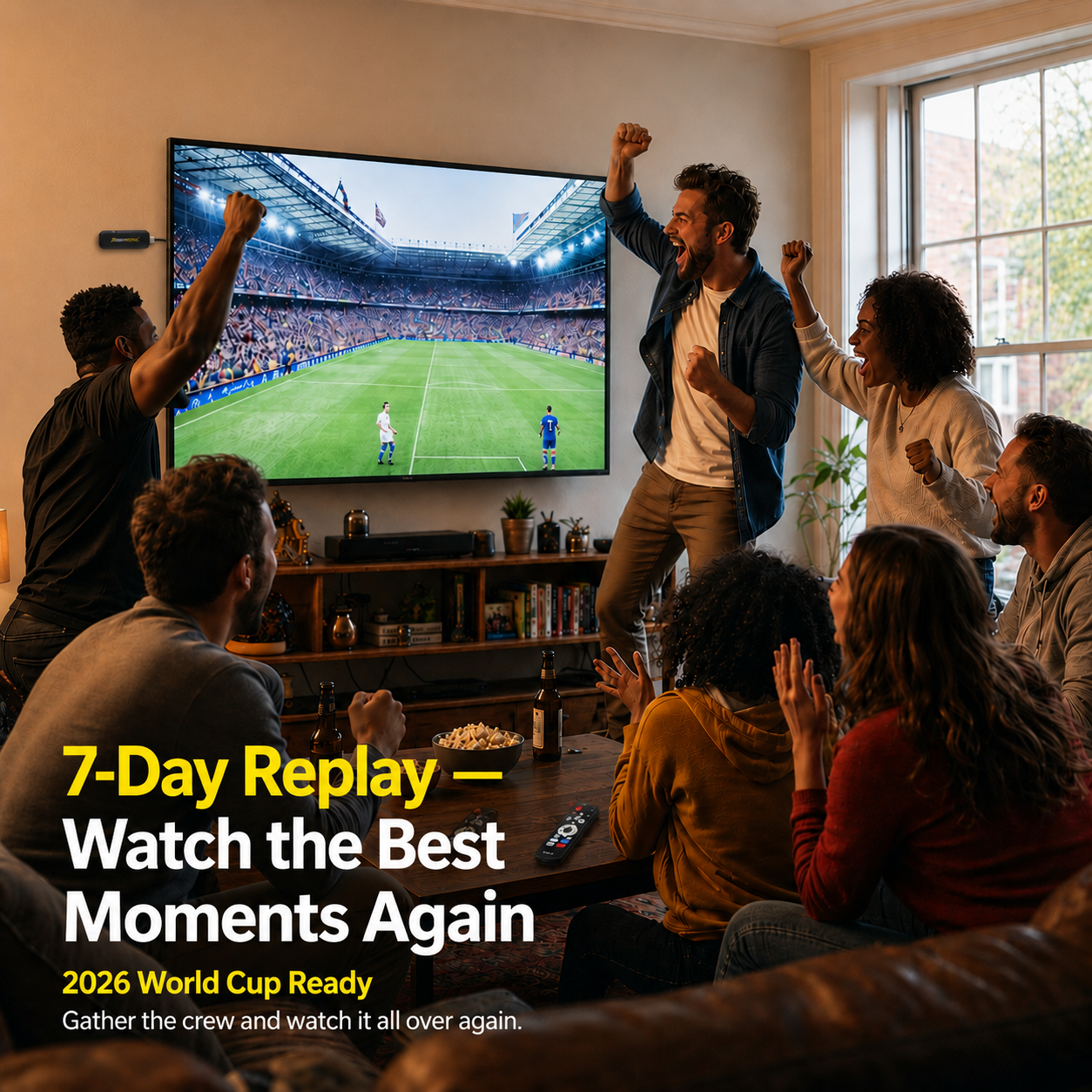
Explore supported sports channels and apps, with 7-Day Replay so you never miss the big game.
Movies & TV Shows
Thousands of titles on demand. Updated daily — always something new to watch.
Live News
24/7 live coverage from every major US and international network.
International Channels
50+ languages. Spanish, Chinese, Hindi, Arabic & more — your culture, your screen.
Kids & Family
Safe, fun content for every age. Channels the whole family will love.
Music & Radio
Stream music, live radio & podcasts. Always on, always free.
✦ Setup Guide
Three Ways to Install
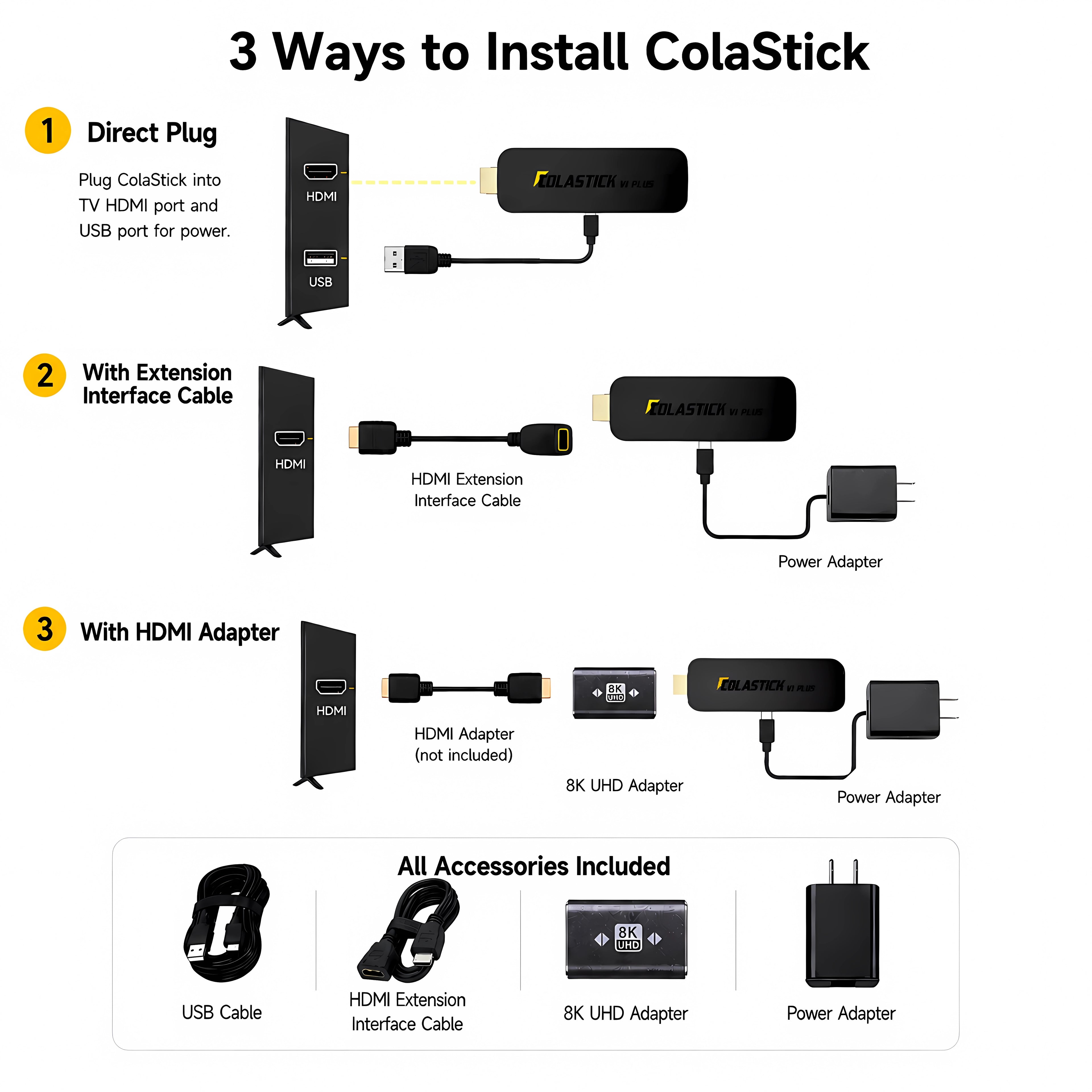
All Accessories Included
Pick the install method that works best for your TV — no extra purchases needed.
Method 1
Direct Plug-In
Plug ColaStick V1 Plus directly into your TV's HDMI port. Power it via your TV's USB port or the included power adapter. Simplest setup possible.
Method 2
HDMI Extension Cable
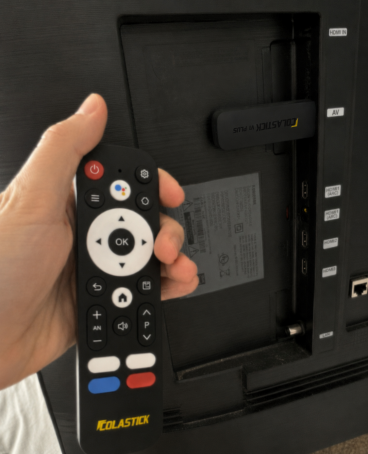
Use the included HDMI extension cable to position ColaStick away from the TV's back panel. Stronger remote signal, better airflow, and cooler operation.
✓ Best choice for most TVs — works right out of the box.
Method 3
Extension Cable + Coupler
For TVs with tight HDMI port spacing or angled ports. Attach the included HDMI coupler to the extension cable for maximum reach and flexibility.
✓ Ideal for wall-mounted or tight-space TVs.
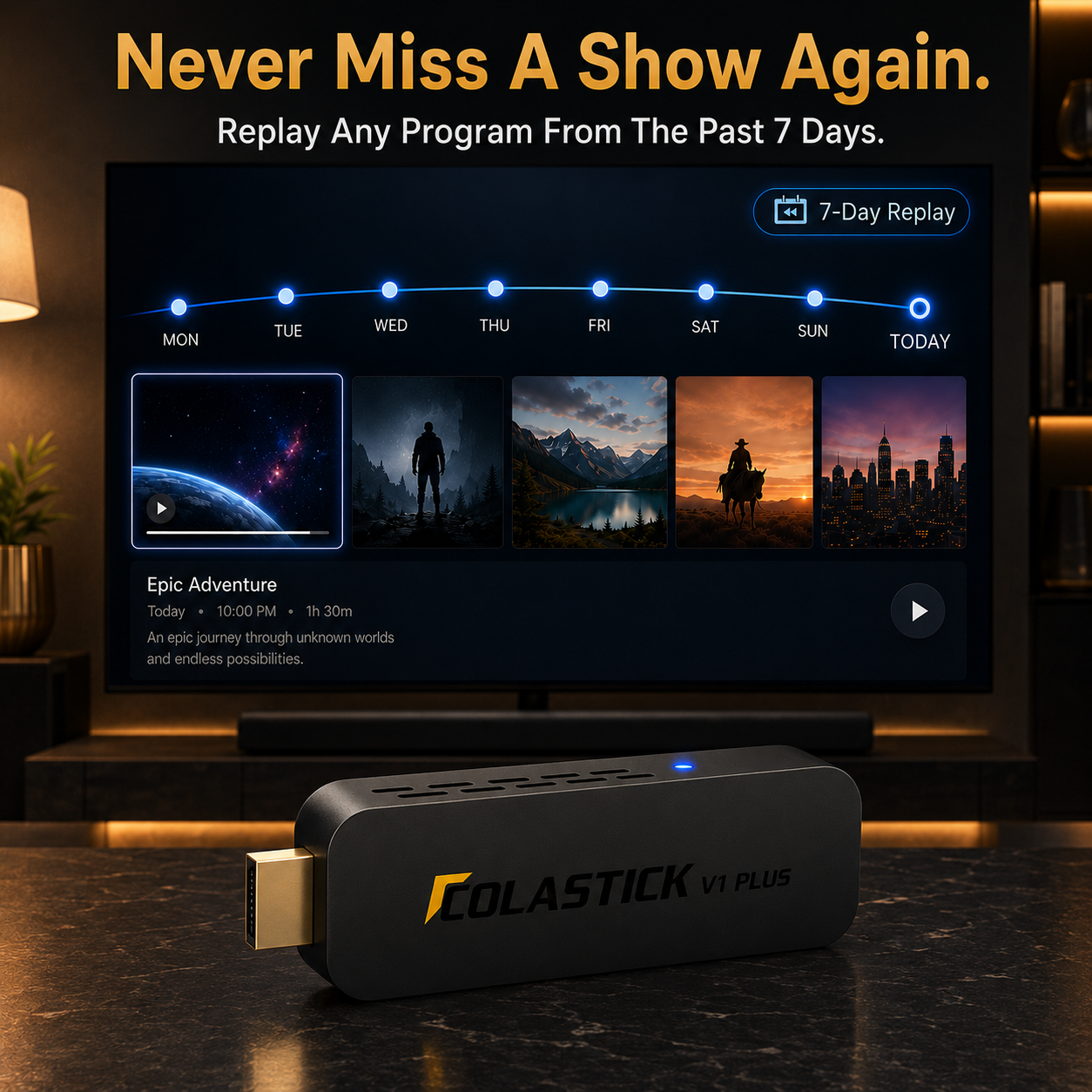
Never Miss a Moment —
7-Day Auto-Replay
Whether you're on the couch or on the road — ColaStick automatically keeps the last 7 days of content ready for instant playback.
Content Available Anytime
↩ Scroll back anytime. No setup needed.
Missed Sunday Night Football?
Replay it Monday morning — full game, no spoilers.
Want to rewatch last night's episode?
It's already saved. Hit play and enjoy.
Need to catch up on this week's news?
Browse the past 7 days, anytime you're ready.
Zero Extra Cost. Zero Setup. Zero Stress.
Built into every ColaStick V1 Plus — no subscription, no DVR hardware required.

Picture Quality You'll Notice Instantly
The Sharpest Picture Your TV Can Show
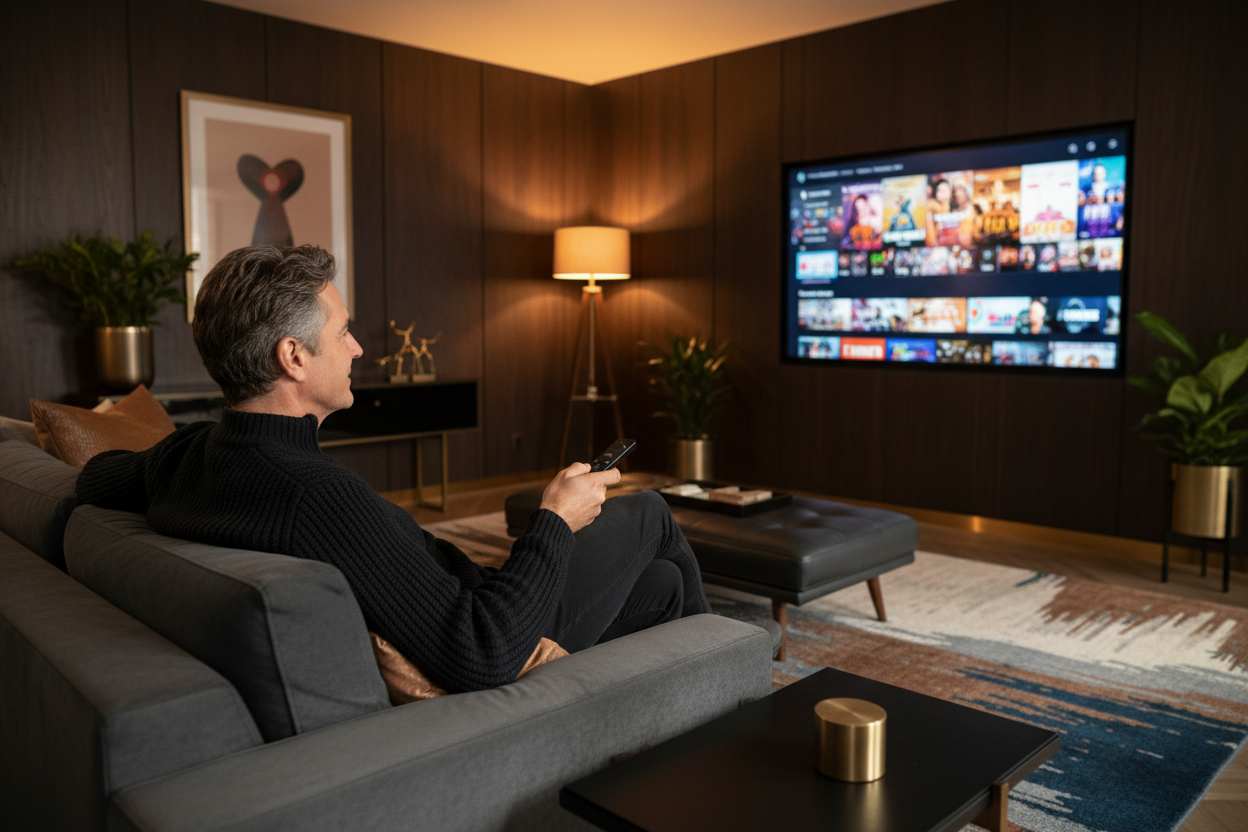
ColaStick V1 Plus works with your existing TV to deliver the clearest, most colorful picture possible — no extra equipment needed. Everything looks sharper, brighter, and more lifelike right out of the box.
- Stunningly sharp 4K picture on any compatible TV
- Rich, true-to-life colors that pop on screen
- Smooth, flicker-free playback — even for fast-moving sports
Simple to Use, Every Day
Everything Works the Way You'd Expect
ColaStick V1 Plus is designed to be simple from day one. Just plug it in, follow the on-screen steps, and you're watching in minutes. No manuals to read, no tech skills needed.
- Just ask your remote — search by voice, no typing required
- Access thousands of apps in one place
- Updates itself automatically — always running smoothly
- Dual-band Wi-Fi connects in seconds — no cables to run
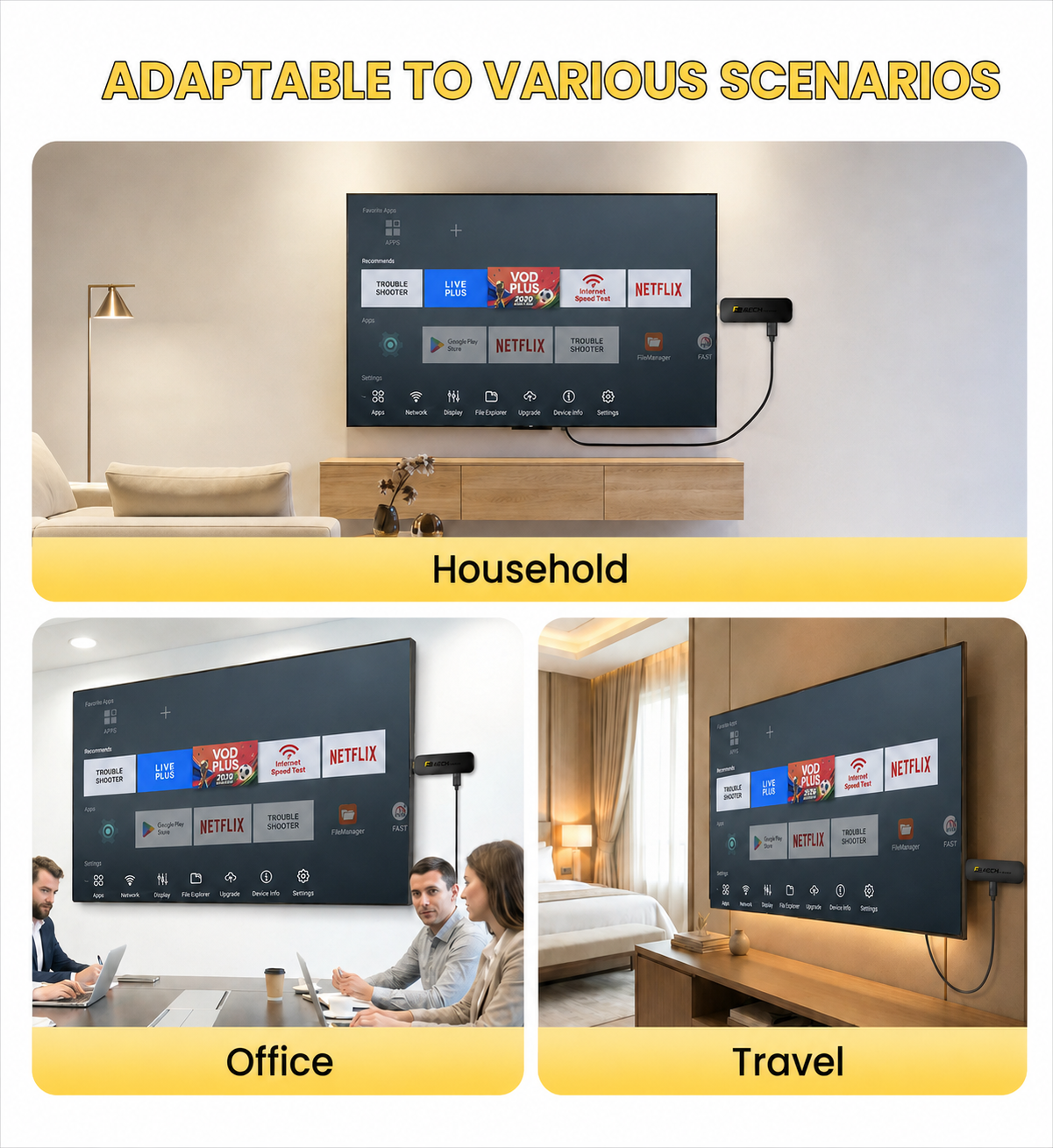
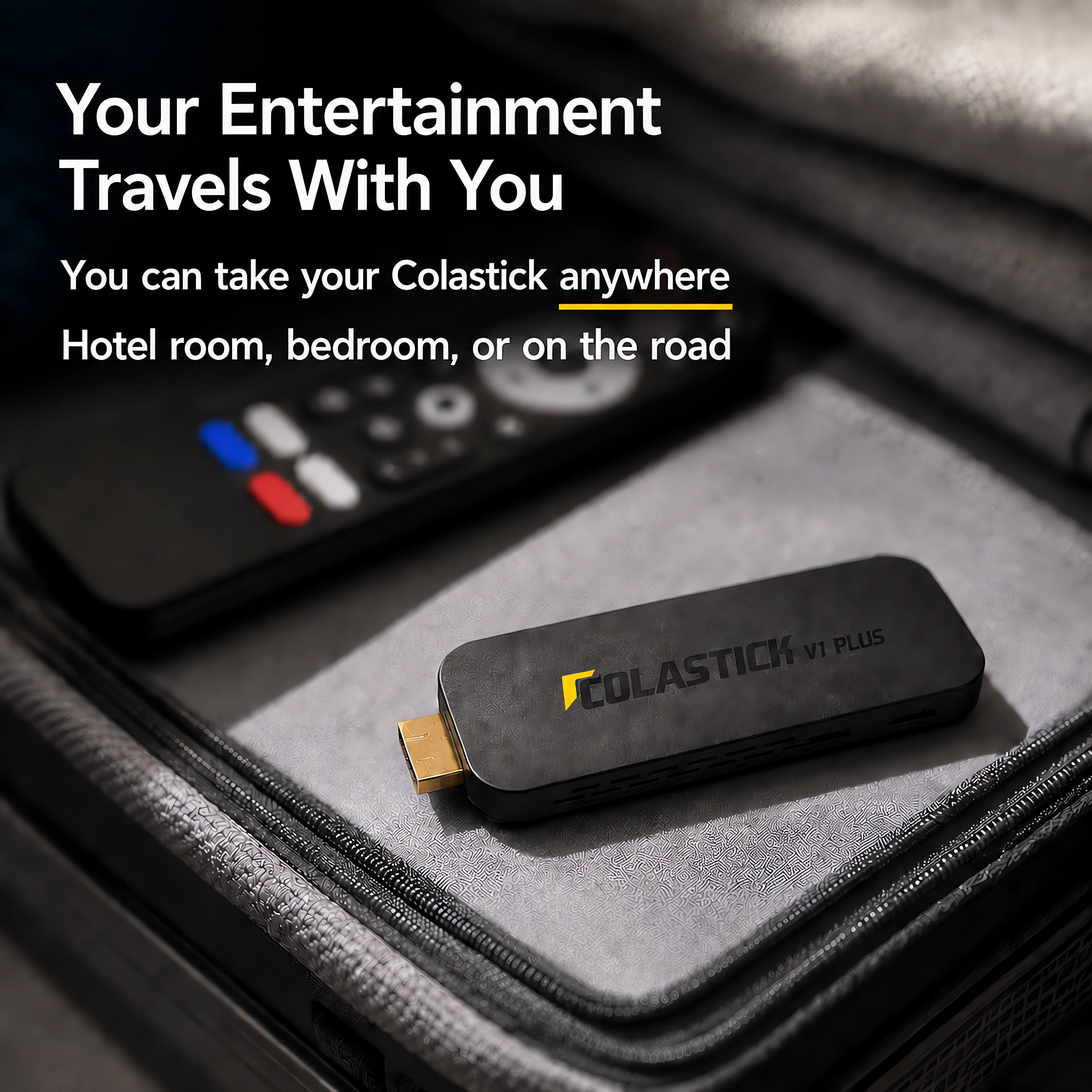
Take It Anywhere You Go
Your Entertainment Travels With You
- Plugs into any TV with an HDMI port — no special setup required
- Small enough to fit in your pocket or travel bag
- Connects to hotel Wi-Fi or home internet in seconds
- Comes with its own voice remote — no need to touch the TV's remote
- Perfect for hotel rooms, RVs, vacation rentals, or a second bedroom
I have been using it more during baseball season and the updated interface definitely helps. The Events section is cleaner, and it is easier to check what is coming up without digging around.

Had this for about 6 weeks now. Set it up in my bedroom — direct HDMI plug-in worked fine on my LG. WiFi in the bedroom is weaker than the living room but it's been buffering-free so far. 4K looks great. The shortcut buttons on the remote are useful once you program them, though figuring out how to do that took me longer than it should have (the quick start guide is a bit sparse). Voice remote works well, picks up from across the room. The 7-day replay is the feature I mention when anyone asks me about it — caught two full games I missed this month just by going back. No monthly fee, which was obviously the point. At $279 I'd buy it again, just maybe skim a YouTube video on setting up the remote shortcuts first.
I move around a lot for work and hotel TV has been my nemesis for years. Threw this in my laptop bag on a whim before a trip to Phoenix and honestly haven't taken it out since. Plugs into the HDMI, powers off the TV's USB port — no hunting for outlets. Setup in the hotel took maybe 6 minutes including connecting to the WiFi. Picture is sharp on whatever TV is in the room. The HDMI extension cable they include is a nice touch because some hotel TVs have the port buried behind the stand. Voice remote works fine, Bluetooth paired with my headphones so I wasn't blasting sound at 11pm. Only thing I'd note is I had to use the extension cable on one TV where the port was too recessed for a direct connection — but the cable's in the box so not a real complaint. Solid travel device.
Had a Fire TV Stick for years and it worked fine until Amazon changed the OS and I couldn't install what I wanted anymore. Switched to this after some research. The difference that actually matters: everything I need is already on here, Android 14, no sideloading gymnastics, voice remote that actually responds fast. 4K is noticeably better than my old stick. The 7-day replay is something I didn't think I'd use much but I've gone back to replay games probably 4 or 5 times already. Setup was fast — under 10 minutes including WiFi. The 2GB RAM is fine for what I do with it, no slowdowns. $279 one time is a no-brainer compared to what I was doing before. Would buy again.
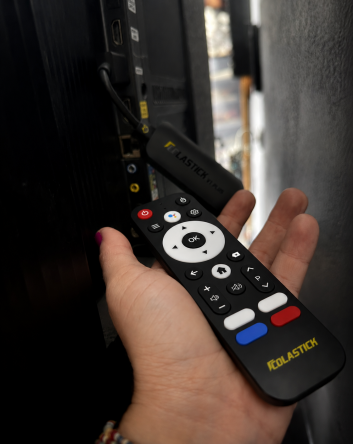
I work nights and my wife goes to bed early so regular TV was basically off limits after 9pm. Picked this up after seeing it compared to a Fire Stick — main difference being everything's already on here without fiddling with sideloading apps. Paired my Sony headphones in about 30 seconds, zero audio delay, and I've been watching every night since without waking anyone up. 4K looks good on our Samsung. The four shortcut buttons on the remote took me a minute to figure out how to program but once I did it I use them constantly. Setup overall was about 10 minutes. No subscription, no monthly fee, done. The only thing I wish was different is the remote is a bit light — feels a little plasticky — but it works fine so I'm not actually complaining.
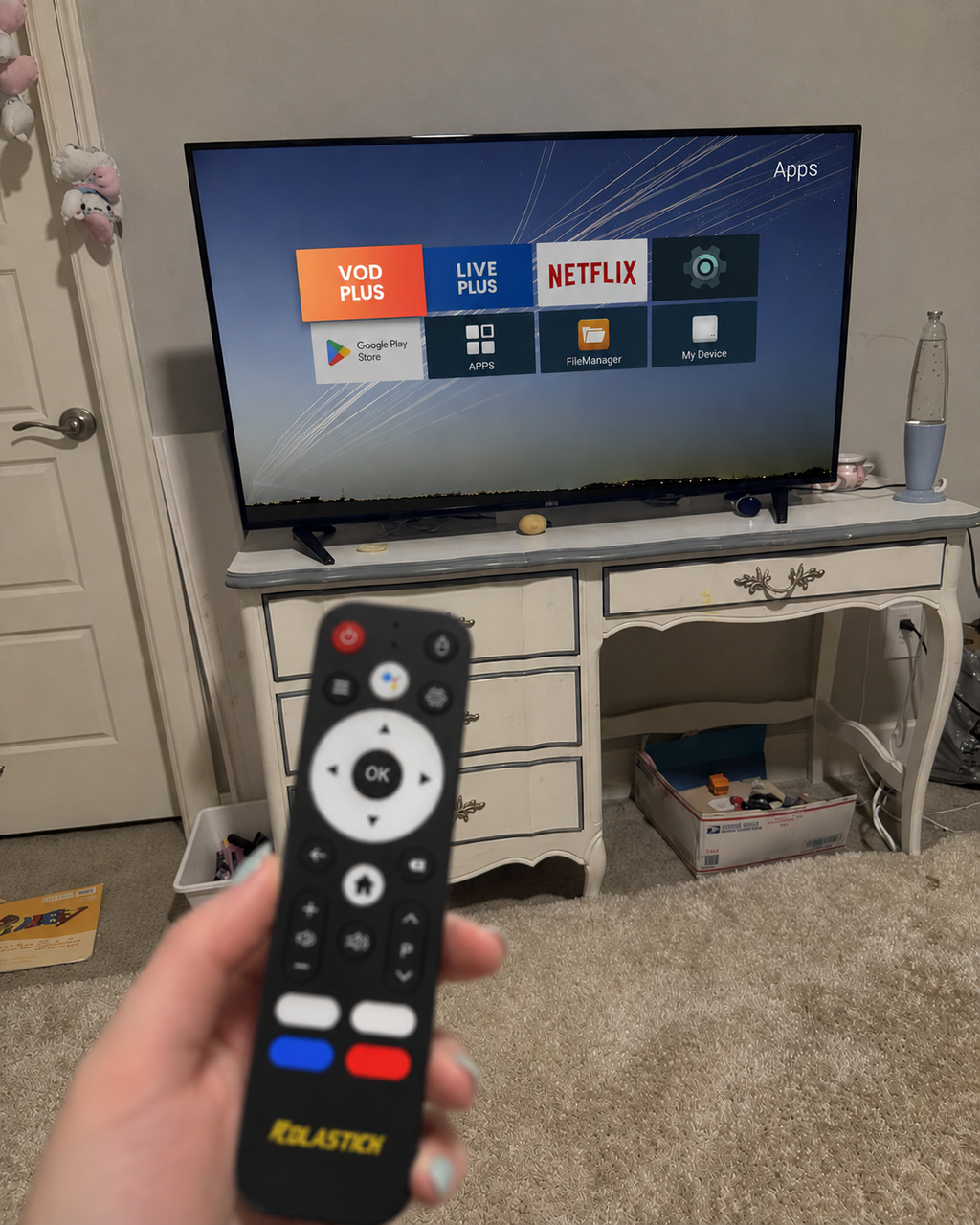
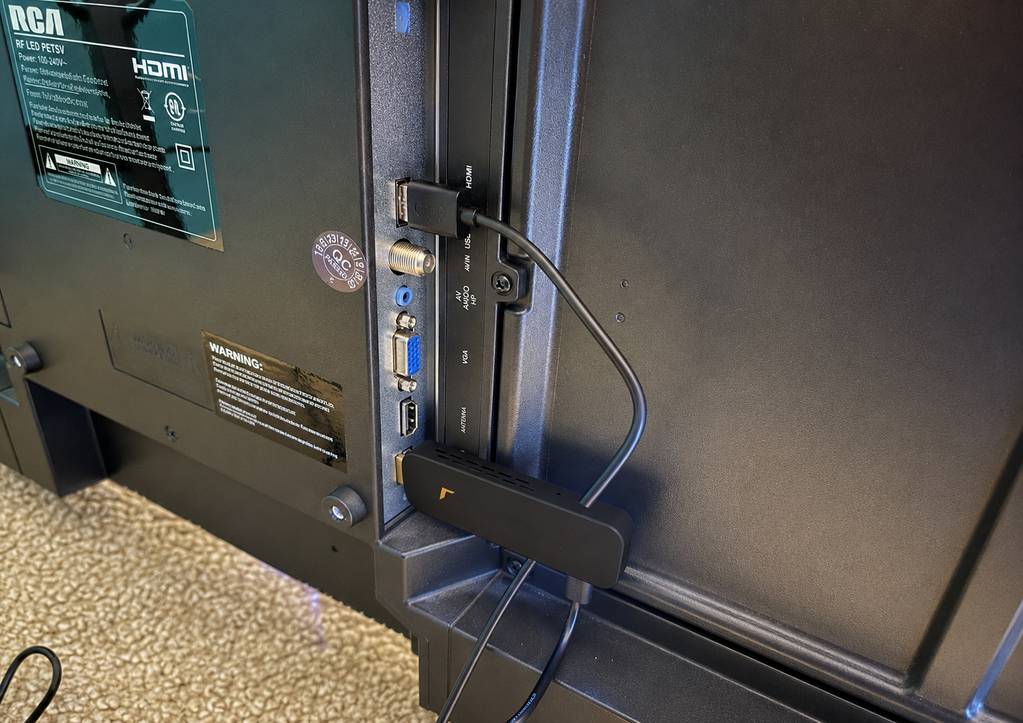
My mom is 68 and was still paying $140 a month for a cable package she used maybe 30% of. Bought her this, drove over, and had it running in about 15 minutes — the hardest part was finding the HDMI port on her old Vizio. The voice remote is the thing that made this work for her. She doesn't have to type anything out — just talks to it. I set two of the shortcut buttons to the channels she watches most and now she doesn't even need to navigate the menu. She called me three days later to tell me she found the Spanish telenovela channels on her own, which she's been wanting for years. Hasn't called me with a tech question since the setup day. That alone is worth every penny of the $279.
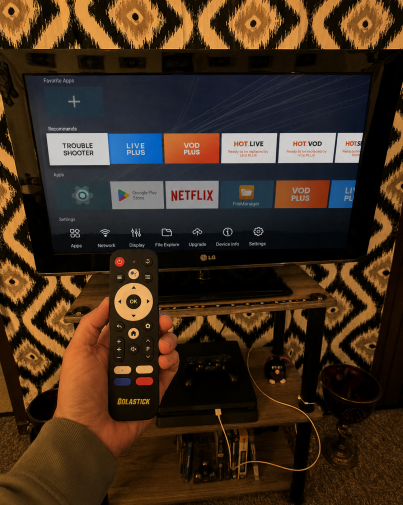
Frequently Asked Questions
How do I set up ColaStick V1 Plus?
There are 3 ways — all accessories are included in the box:
Method 1 (Direct): Plug ColaStick straight into your TV's HDMI port and power it via the TV's USB port or the included adapter. Simple and quick.
Method 2 (Recommended): Use the included HDMI extension cable to move ColaStick away from the TV's back panel. This gives a stronger remote signal and better airflow — best for most TVs.
Method 3 (Flexible): Use the HDMI extension cable + HDMI coupler together. Ideal for TVs with tight or angled HDMI ports.
Tip: If your remote stops responding after plugging in, your TV's metal back panel may be blocking the Bluetooth signal. Switch to Method 2 to fix it.
Do I need to pay any monthly fees?
No — never. ColaStick V1 Plus is a one-time hardware purchase. There is no recurring fee for the ColaStick hardware, zero hidden charges. Buy once, watch forever.
Is ColaStick legal to use?
Yes. ColaStick V1 Plus is an Android TV stick that runs Google Play Store apps — the same platform used by millions of devices worldwide. It is legal to own and use. Content availability depends on the apps you choose to install.
What apps can I install?
ColaStick runs Android 14.0 with full Google Play Store access — 3M+ apps including streaming services, sports, music, news, and more. Two apps come pre-loaded so you can start watching immediately.
Is the picture quality really 4K?
Yes. True 4K Ultra HD (3840×2160) with HDR10+ and H.265 hardware decoding at 60fps. You'll need a 4K TV for the full experience; the device also outputs 1080p for standard HD televisions.
Can I power it from my TV's USB port?
We do not recommend it. TV USB ports may not provide stable power (ColaStick requires 5V/2A), which can cause freezing or unexpected restarts. Always use the included USB-C power adapter plugged into a wall outlet for the most reliable experience. The power adapter is included in the box at no extra cost.
How does the 7-Day Replay work?
It's built in — no setup, no DVR hardware, no extra fees. Simply navigate to a program from the past 7 days and press play. It works automatically from the moment you start using ColaStick.
Can I use Bluetooth headphones for private viewing?
Yes. Connect any Bluetooth headphones for private, late-night viewing. Note that each session requires a quick manual re-connection (about 10 seconds) — tap into Bluetooth settings, select your headphones, and you're in. Once paired, your headphones are remembered by the device.
My remote stopped responding. What do I do?
Your TV's back panel is likely blocking the Bluetooth signal — this is the most common setup issue with HDMI sticks. The fix is simple: use the included HDMI extension cable to move ColaStick away from the back panel. This resolves the issue in almost all cases. If the remote still doesn't respond, re-pair it by pressing and holding the Home and Back buttons simultaneously for 5 seconds.
How many TVs can use one ColaStick at the same time?
ColaStick connects to one TV at a time. For multiple TVs, you would need a separate unit for each. Tip: consider pairing a ColaBox L2 Plus on your main TV with ColaStick V1 Plus for a second TV.
Does ColaStick receive software updates?
Yes. ColaStick V1 Plus supports automatic OTA (over-the-air) firmware updates, so your device stays current with the latest features and improvements — no manual action needed.
Where do you ship and how long does it take?
We ship FREE to all US addresses. Standard delivery is 2–3 business days with full tracking provided. Expedited options are available at checkout.
What is your warranty and return policy?
Every ColaStick V1 Plus comes with a 1-year warranty covering all hardware defects. Plus, a 60-day money-back guarantee: if you're not satisfied for any reason, return it for a full refund, no questions asked.
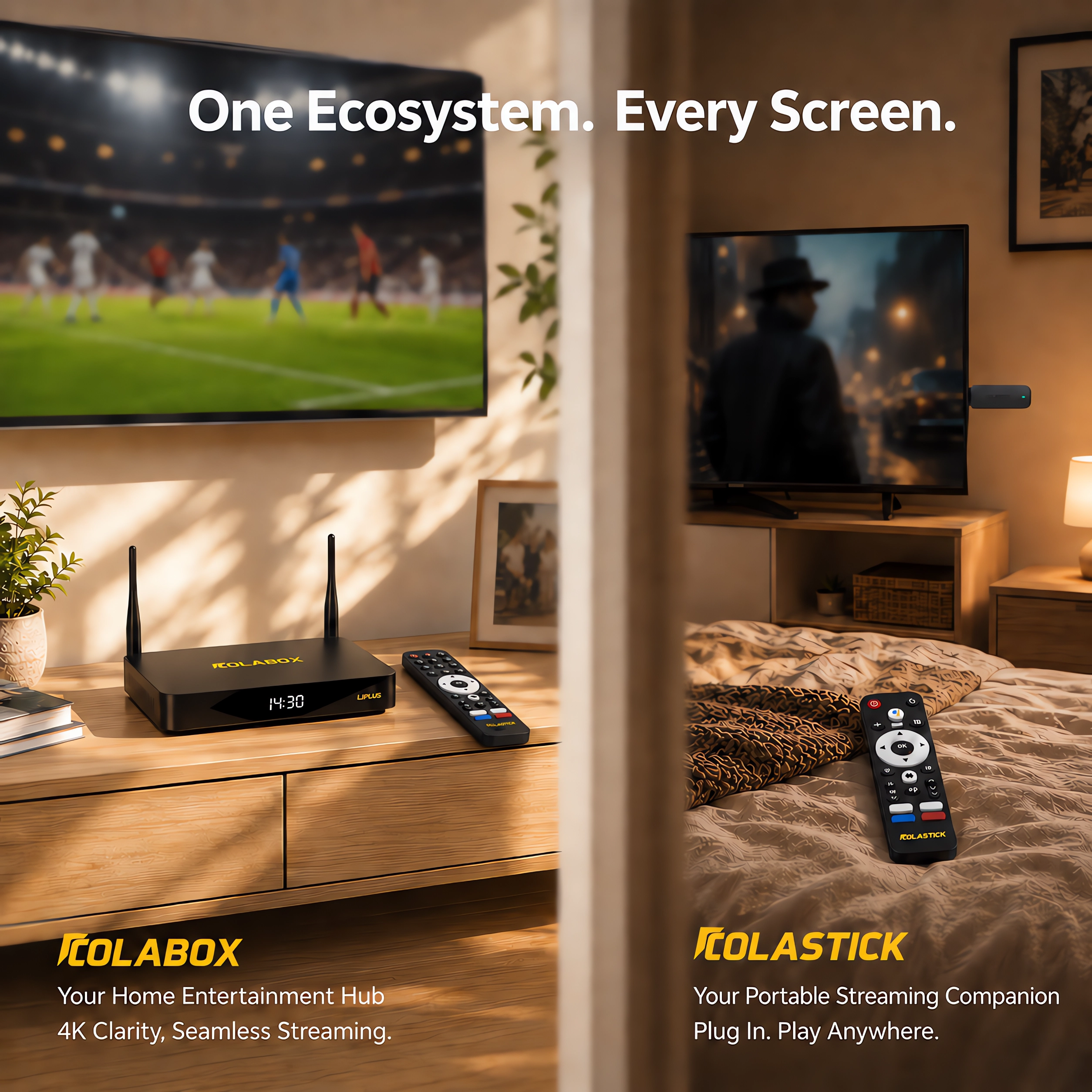
What is the difference between ColaStick V1 Plus and ColaBox L2 Plus?
ColaStick V1 Plus is a compact HDMI stick — portable, pocket-size, and perfect for travel, second TVs, or any room with an HDMI display. ColaBox L2 Plus is a full-size home media player with 4GB RAM, 64GB storage, Gigabit Ethernet, and Dolby audio output — built for your primary living room TV. Both access the same 3,500+ supported channels with no monthly fees. Choose V1 Plus for portability and flexibility. Choose L2 Plus for maximum performance at home. Or get both with our Whole-Home Bundle and save $89.